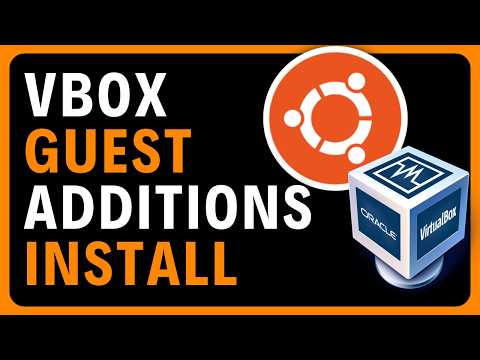
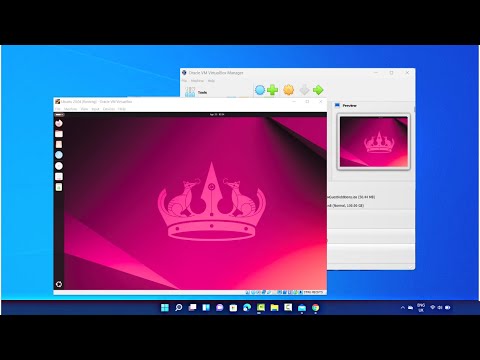
[Level: beginner] In the "Understanding Linux" series, to facilitate integration between the "Host System" and its "Guest Systems," VirtualBox provides "Guest Additions." These additions are designed to improve the performance of the mouse, keyboard, and virtual screen, and also allow the creation of a shared folder between the Host and Guests, among other useful features. The system can still function without these Guest Additions, but the user experience could be enhanced with them. In any case, we will now install them on our Ubuntu Guest. Understanding Linux: 0.6 - Installing VirtualBox Guest Additions on an Ubuntu Guest Highlights: 00:00 Introduction 00:24 Talking about VirtualBox Guest Additions 01:38 Insert Guest Additions CD image 02:18 Open CD's install folder in Terminal 02:51 Execute Guest Additions' install script 1st time 03:55 Install missing software 'bzip2' and 'tar' 04:31 Execute Guest Additions' install script 2nd time 05:08 Install missing software 'gcc', 'make' and 'perl' 06:25 Execute Guest Additions' install script 3rd time 07:28 Install completed successfully without errors. Need to reboot. 07:51 Eject the CD image (or real CD) from the Graphical User Interface (GUI) New commands on the shell: JayDee en FRANÇAIS: @UCSs7P3ZmOy4G6X_ygavsjzQ
- 18Просмотров
- 3 недели назадОпубликованоLinux with JayDee
Understanding Linux: 0.6 - Installing VirtualBox Guest Additions on an Ubuntu 24.04 Guest
Похожее видео





Популярное
Новини