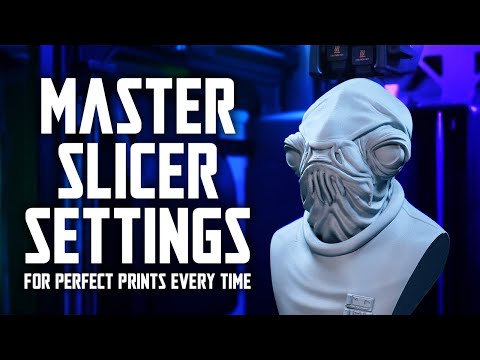
Welcome back! 🎉 This video is the bonus episode of the HueForge Pro Beginner’s Course — we’re going deep into slicer settings so you can actually bring your HueForge projects to life. Learning HueForge is only half the battle… if you don’t slice your file correctly, you’ll never get a clean print. In this episode, I’ll walk you through: Exporting project settings from HueForge Importing and adjusting them in Bambu Lab / Orca / PrusaSlicer Understanding infill, layer heights, and disabling prime towers Setting up clean color swaps for multi-filament prints Trusting HueForge previews vs. slicer previews 💡 This video wraps up our beginner series, but don’t worry — I’ve got more advanced tutorials on the way, including how to speed up HueForge prints! 👉 Huge shoutout to all my Patreon supporters — you’re the reason I can keep making these tutorials. If you’d like exclusive Pro-level videos, slicing guides, and even 1-on-1 coaching, join here: 📌 Join the conversation on Discord: 📌 Download my files on MakerWorld: @rotciv157 👍 Like, comment, and subscribe to help more makers find these tutorials. ⏱ Chapters 00:00 – Intro & Patreon shoutout 00:32 – Exporting settings from HueForge 01:16 – Finding slicer settings in text file 02:06 – Understanding slicer setup basics 03:09 – Layer height & infill adjustments 04:10 – Prime tower and other slicer tweaks 04:53 – Setting up color swaps 06:00 – Trusting HueForge previews 07:19 – Sending files to printer 08:25 – Future content ideas (faster prints) 09:02 – Wrapping up the Beginner’s Course 09:48 – Patreon & Discord invite #3DPrinting #HueForge #STLFiles #FilamentArt #Multicolor3DPrinting #MakerWorld #3DPrintsByVic #HueForgePro
- 3060Просмотров
- 2 месяца назадОпубликовано3D Prints By Vic
BONUS EPISODE: HueForge Pro Beginner Bonus: Mastering Slicer Settings for Perfect Prints
Похожее видео



Популярное
Новини