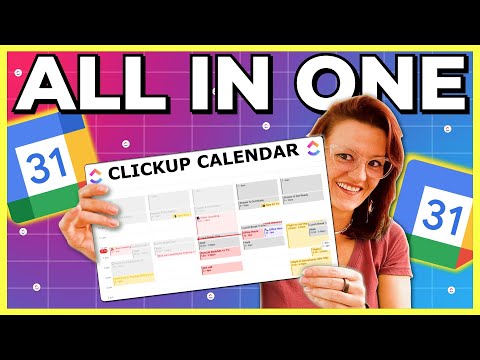
Tired of switching between Google Calendar, your phone’s calendar app, and your team’s schedule? What if you could manage multiple calendars across all your apps and devices from one place? In this video, I’ll show you exactly how to do just that—using ClickUp as your all-in-one calendar command center. You’ll learn: 🔁 How to sync calendars across Google, Outlook, iCal, and more 📆 Viewing and toggling calendar layers in ClickUp 📲 Best practices for device syncing (phone, desktop, tablet) ✅ How ClickUp becomes your go-to tool for calendar management By the end, you’ll see that managing multiple calendars doesn’t need to be a headache—it can be a clean, centralized, smart system. #calendarmanagement #calendarapp #calendar_tricks #multiplecalendars #timemanagement #timemanagementtips 🔑 Key Resources: Get ClickUp for free ClickUp’s AI-powered Calendar ClickUp Brain ClickUp Calendar Planner Template ClickUp Weekly Calendar Template ClickUp Annual Calendar Template ClickUp-Google Calendar Integration ClickUp-Outlook Integration ClickUp-Zoom Integration ClickUp Reminders ClickUp Meetings ClickUp Integrations Learn more about managing multiple calendars Get more tips on your work-life, productivity, and personal growth on the ClickUp blog
- 642Просмотров
- 2 месяца назадОпубликованоClickUp
How to Manage Multiple Calendars Without Losing Your Mind | ClickUp
Похожее видео







Популярное
Новини