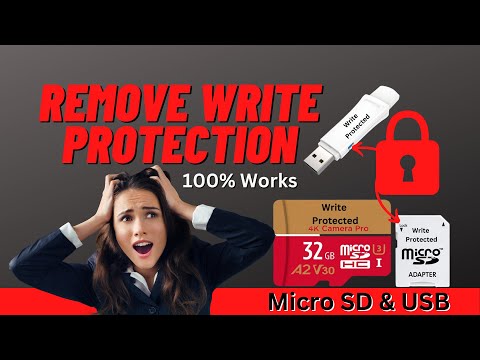
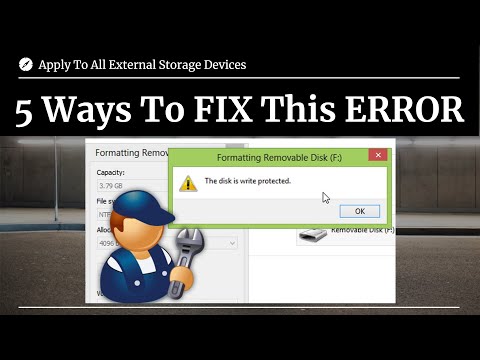
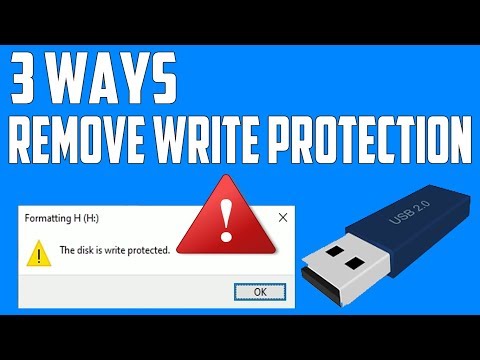
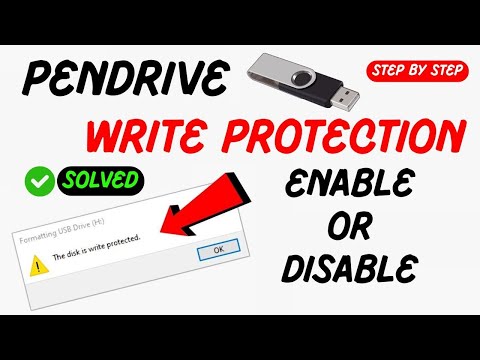
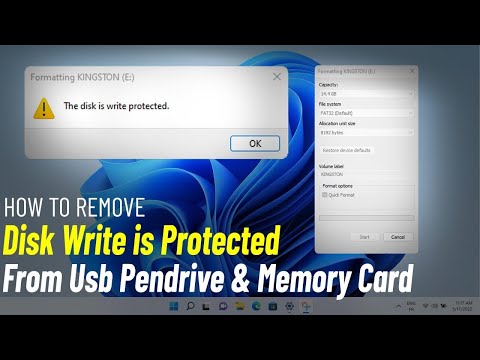
🚨 CAN’T FORMAT YOUR USB? 😡 Unlock Write Protection in 3 Minutes! 🚨 Learn how to format a write-protected pen drive using CMD’s DiskPart and fix stubborn read-only errors—no third-party software needed! Perfect for Windows 10/11 users dealing with corrupted, locked, or inaccessible USB drives. 🔑 Questions Answered: Format Write-Protected Pen Drive, Remove Write Protection CMD, DiskPart Format USB, Fix Read-Only USB, Unlock Write-Protected Drive, CMD Format NTFS/FAT32, USB Not Formatting Error, DiskPart Clean USB, Repair Corrupted Pen Drive. 🛠️ Step-by-Step Fixes 1. Check for a Physical Lock Flip the Switch: Many USB drives have a tiny lock slider (e.g., SanDisk, Kingston). Toggle it to disable write protection. 2. Remove Write Protection via CMD (DiskPart) Open Command Prompt as Admin: Press Win + R → Type cmd → Ctrl + Shift + Enter. Run DiskPart Commands: diskpart list disk select disk X (Replace X with your USB drive number) attributes disk clear readonly clean create partition primary format fs=ntfs quick (or fs=fat32) assign exit Verify the USB Drive Check File Explorer → Your USB is now formatted and writable! 💡 Pro Tips to Avoid Future Issues Avoid Improper Ejection: Always "Safely Remove Hardware" to prevent corruption. Use NTFS for Large Files: FAT32 has a 4GB file limit—switch to NTFS for modern use. Third-Party Tools: For GUI lovers, try HP USB Disk Storage Format Tool or EaseUS Partition Master. Recover Data First: If the drive has critical files, use Recuva or TestDisk before formatting. ❓ FAQ (Quick Solutions) Q: Why is my USB still write-protected after DiskPart? A: The drive may be physically damaged—try another PC or use low-level formatting tools. Q: Can I format a write-protected USB on Mac/Linux? A: Yes! Use Terminal (Mac) or GParted (Linux) with similar steps. Q: What if attributes disk clear readonly fails? A: The USB firmware may be locked—contact the manufacturer for a firmware update tool. Q: Does formatting erase all data? A: Yes! Backup files first or use data recovery software. ⚠️ Critical Warnings Malware Scans: Write protection can be triggered by viruses—scan the drive with Malwarebytes. Fake USBs: Cheap drives often corrupt and lock themselves—buy from trusted brands. 👍 Like This Guide? Subscribe for more USB fixes, Windows CMD hacks, and DIY tech tutorials! Comment your pen drive brand (e.g., SanDisk, Samsung) if you need tailored help! #WriteProtection #USBFix #WindowsTips #TechHacks #CMDTricks 🔗 Tools I Recommend for Your Cybersecurity and Data Analysis Needs: ✅ - Data Analysis & Research Software Looking for powerful tools for qualitative research? makes analyzing complex data easy and efficient! Perfect for researchers, students, and professionals. ✅ Malwarebytes - Cybersecurity for Everyone Protect your devices from malware, ransomware, and hackers with Malwarebytes. It’s my go-to software for keeping my systems secure. ✅ AOMEI & MultCloud Performance Solutions Whether it’s backing up your files or managing cloud storage, AOMEI and MultCloud have you covered. Reliable, fast, and easy to use. ✅Audials: Perfect for recording and enjoying my favorite streams—it’s simple and reliable. :1100l4cQ9m Join this channel to get access to perks:
- 67828Просмотров
- 9 месяцев назадОпубликованоULTIMATE THRILLER TV
How To Format Write Protected Pen Drive (2025 Guide) | Remove Write Protection & Fix USB! 🔒
Похожее видео



Популярное
Новини