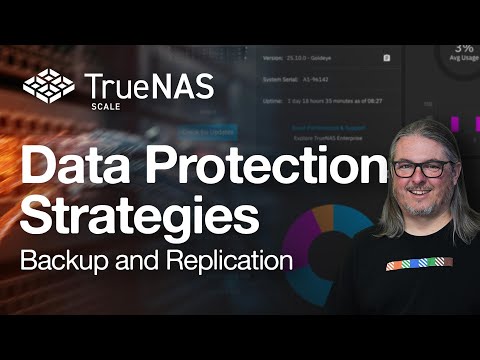
Worried about accidental deletions or ransomware? In this video, I’ll show you how to use TrueNAS’s built-in data protection features to keep your files safe. From ZFS snapshots to replication tasks and even data scrubbing, you’ll learn how to set up a reliable and resilient storage solution that you can trust. ✅ What You'll Learn: 🔹 Creating automatic ZFS snapshots 🔹 Rolling back changes and recovering lost data 🔹 Replicating datasets to another system or backup target 🔹 Setting up scrubs for silent error detection 🔹 Best practices for long-term data protection in your homelab --- 📌 Timestamps: 0:00 Intro 0:38 Scrub Tasks 1:56 Smart Tests 2:40 Cloud Sync Tasks 5:40 Snapshots 7:11 Simulating data errors and recovering from a snapshot 10:06 Replication Tasks 13:58 Simulating data errors and recovering from a replication 15:48 Outro --- 🔗 Helpful Links & Community 💬 Join the discussion on Discord: ➤ 📖 Check out the Wiki for setup guides & tips: ➤ 🎉 Support the channel on Patreon: ➤ Join this channel to get access to support me: ➤ 👉 Follow me everywhere ➤ ☕ Want to say thank you? Buy me a coffee: ➤ 💡 Have questions or thoughts? Drop a comment below! 🔔 Like & Subscribe for more home lab content! #TrueNAS #DataProtection #Snapshots #ZFS #Backup #SelfHosting #Homelab #NAS
- 8960Просмотров
- 7 месяцев назадОпубликованоServersatHome
Protect Your Data on TrueNAS: Snapshots, Replication & More!
Похожее видео



Популярное
Новини