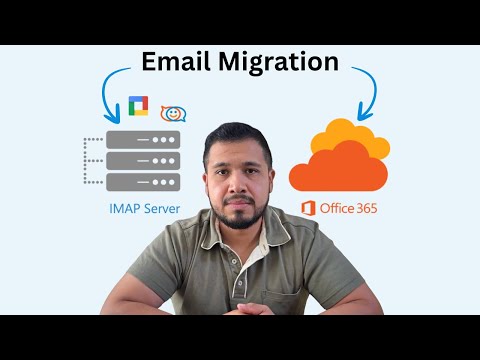
Chapters (Timestamps): 0:00 – Intro 0:44 – Limitations 1:25– Workarounds 2:30 – Step-by-Step Migration in the Exchange Admin Center 15:40 – Final Checklist In this video, I’ll show you how to migrate your email to Microsoft 365 (Office 365) using the IMAP method, the same approach used to move mail from webmail, cPanel, Zoho, or Google Workspace into Microsoft 365. This way you can use the outlook client. You’ll learn the full IMAP migration process inside the Exchange Admin Center, including how to: - Prepare your mailboxes and create migration CSV files - Set up an IMAP endpoint and run your first migration batch - Understand Microsoft’s IMAP limits (35 MB per message, 500K items, 20 concurrent migrations) - Avoid common errors and speed up large migrations If you’re planning to move your business email to Microsoft 365, this guide will walk you through every step and help you migrate confidently without third-party tools or downtime. Want help automating this for your business? Book a free consultation at LocodeSystems we connect tools, teams, and workflows. 🌐 #contact 🔔 Subscribe for Microsoft 365 tutorials, automation builds, and time-saving IT workflows: @TheAutomationDesk #Microsoft365 #Office365 #IMAPMigration #EmailMigration #Microsoft365Tutorial #ExchangeAdminCenter #BusinessEmail #MigrateToOffice365 #TechForBusiness #ITTutorial #EmailSetup #CloudMigration #Microsoft365Admin #ITForStartups
- 1448Просмотров
- 1 месяц назадОпубликованоWil A. Villaran
How to Migrate Email to Microsoft 365 Using IMAP Step by Step Tutorial
Похожее видео










Популярное
Новини