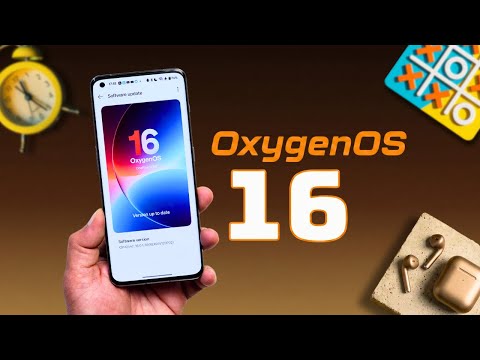
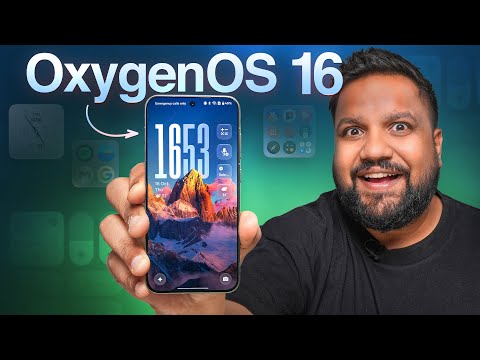
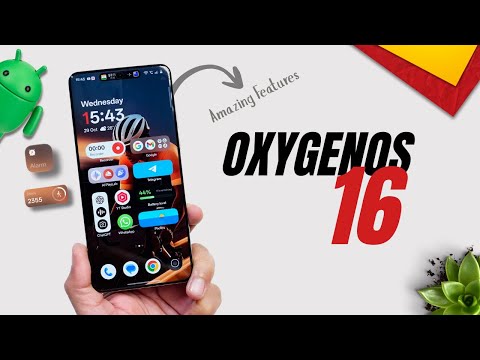
OxygenOS 16 Update Ft. OnePlus 13s : Top 60 New Features 00:00 Intro 01:01 Customizable Control Center 02:40 Optimized Notification View 03:31 New Clock Styles With Glass Effect 04:21 Add Widgets On Lockscreen 05:01 Change Bottom Shortcuts On Lockscreen 05:30 Set Video/Motion Photo As Wallpaper 06:38 Auto Dark Icons 07:11 Flux Icon Pack 07:49 Full Screen AOD For All Day 08:36 Sublime Grandeur With Live Effect 09:20 Live Clock Flux Theme 10:08 Customize Text In Flux Themes 11:52 New Font Styles For Clock 12:27 Search Bar At Bottom In App Tray 13:04 Categories View In App Drawer 13:52 Default View & Rearrange Categories 14:48 App Icon Grid Size With Shortcuts 15:41 3 New Layouts For Folder 16:02 5x7 New Grid Size & Hide Icon Labels 16:45 Widgets New Layout With Search 17:31 New Widgets Added 19:08 Rename Widgets 19:34 Lock & Hide Apps From App Icon 20:44 New System Font "One Serif" 21:13 More Options For Live Alerts 22:24 Sidebar Column Style Change 23:12 Customizable Share Panel 24:13 AI Dedicated Settings 24:49 Play Ringtones Thru Headphones 25:27 Check Apps' B/G & F/G Battery Usage 26:00 AI Writer Works In Entire UI 26:38 Immersive View For Photos 28:09 Pin Albums On Top 29:01 Rearrange & Hide Categories 29:58 Media File Info On Swipe Up 30:39 Create Motion Photo Collages 31:29 Turn Motion Photo Into Slow-Mo 32:15 AI Relight 33:21 Split, Merge & Change Speed In Video Editor 34:57 Import Videos Upto 4K 120FPS After Editing 35:58 Crop & Rotate Videos 36:27 Touch To Share 37:15 Recording Settings In Game Capture 38:07 My Devices Setting & Quick Toggle 38:58 Block B/G Noise In Voice Recorder 39:45 Rename Inteligently Voice Notes 40:26 Share Audio, Summary & Transcript Via Link 41:23 Alternate Templates For AI Voice Summary 42:07 Share VoiceScribe Via Link 42:34 Add Voice Memos In Mind Space 43:21 Mind Assistant 43:58 Memories Can Be Shared In Mind Space 44:23 Use Mind Space In Landscape Mode 44:44 Mind Space Integration In Screenshot 45:26 Create Custom & AI Based Collection 46:20 Block Based Editing 46:59 Place Side By Side Images In Notes 47:23 Highlight For Selective Editing 47:54 New AI Creation Tool 49:31 Create Table & Mind Map In Notes 50:23 Outro 🔥Follow ES Techno On Twitter 🔥Subscribe My New Channel for short videos 🔥Follow me on my Instagram to get free app coupons, quick solution, quick tips, exclusive leaks of upcoming videos and contests.
- 8263Просмотров
- 2 недели назадОпубликованоES Techno
OxygenOS 16 Update Ft. OnePlus 13s : Top 60 New Features
Похожее видео





Популярное
Новини