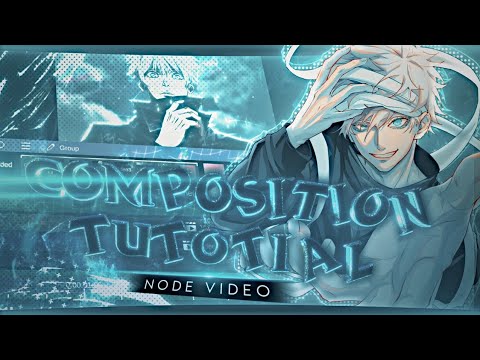
Glassmorphism Tutorial | Node Video In this video, I will show you how to create the trending Glassmorphism (Frosted Glass) effect using the Node Video editor. This aesthetic style is perfect for modern overlays, UI designs, and adding a premium look to your mobile edits. We will cover masking, background blur settings, and lighting adjustments to achieve the perfect depth. 👇 LINKS & RESOURCES 👇 GET THE PROJECT FILE 📁 🔗 Join Telegram Community 🔗 📝 IN THIS TUTORIAL YOU WILL LEARN: How to set up the "Frosted Glass" background blur in Node Video. Adjusting transparency and stroke settings for a realistic look. Layering techniques for depth and UI design. 📱 APP USED: Node Video (Available on Android & iOS) 🔍 KEYWORDS: Node Video editing, mobile video effects, glassmorphism UI design, frosted glass effect tutorial, how to use Node Video, blur effect mobile, aesthetic editing tutorial, overlay tutorial, Node Video presets. HASHTAGS: #nodevideo #glassmorphism #tutorial #videoediting #mobileediting #frostedglass #nodevideotutorial #amvedit #aesthetic #graphicdesign #ui
- 302Просмотров
- 3 недели назадОпубликованоA X U S M O T I O N S
Glassmorphism Tutorial | Node Video
Похожее видео


Популярное
Новини