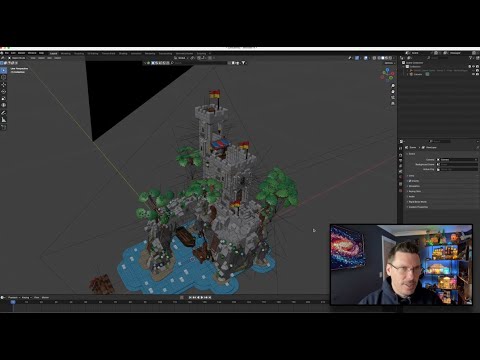
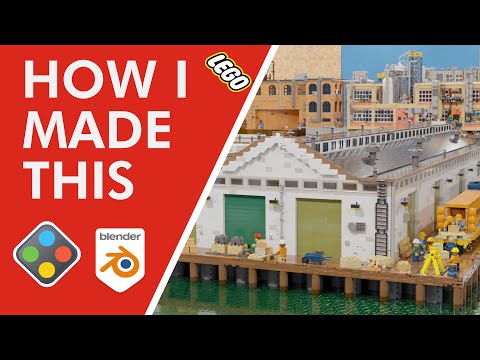
Firstly, welcome to the New Maldives Water Villa! You can vote on this design from October 7th to October 18th 2024 in the Bricklink Designer Program series 6. Please do vote for the design here - A few people have commented on the Blender animations I've done for my LEGO models and so this is a second video for my channel on how I've created these - the previous video talked through setting up a simple animation. This particular video talks through the very first step of getting the model from the BrickLink Studio software into Blender - it's not that straightforward as parts will go missing in the export from Studio! Here I show how to use LeoCAD software to put them back in again and then use the corrected file for import into Blender. You’ll find an entire area of my website dedicated to this design - please do visit! Links to my work include: - Rebrickable Profile - - Mini Modular Guy website - - Instagram - Please do leave comments and feedback and of course share my channel! Thanks for watching!
- 2599Просмотров
- 1 год назадОпубликованоThe Mini Modular Guy
Importing Lego models from Bricklink Studio Software to Blender Software via LeoCAD
Похожее видео




Популярное
Новини