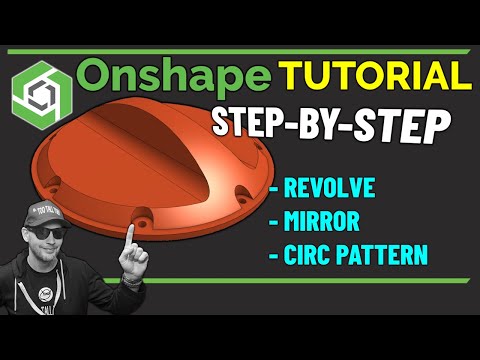
Master Onshape by designing a Pump Pulley from start to finish with Onshape Certified Professional TooTallToby! 🚀 This tutorial walks you through the complete modeling process of a 6-spoke pulley with belt grooves- a component commonly used in mechanical engineering mechanisms. 🔹 What You’ll Learn: ✅ Using the S-Key for efficient modeling ✅ Creating a Revolved Boss & Revolved Cut ✅ Mastering Offset & Trim Sketch Entities ✅ Applying Fillets & Circular Patterns ✅ Utilizing Extruded Cuts for precise detailing Whether you’re a beginner or an experienced CAD user, this tutorial will sharpen your Onshape skills and enhance your 3D modeling workflow. 🔔 Subscribe for more Onshape & CAD tutorials: 👍 Like & Share if this tutorial helped you! Chapters 0:00 INTRO 0:30 New Document and set Document Units to mm 1:30 First Sketch in Onshape - Main Pulley Shape 6:37 Revolve solid wheel shape in Onshape 7:07 Second Sketch - for belt grooves 10:18 Sketch Pattern in Onshape 11:00 Cut Revolved in Onshape 12:00 Sketch for Spoke Geometry 20:08 Circular Feature Pattern in Onshape 21:10 Bore and Keyway at center of Pulley 23:46 Conclusion ☑️ HOME ● ☑️ Create a Free Account ● ☑️ BLOG ● FOLLOW US #CAD #Onshape #CAM
- 9631Просмотров
- 6 месяцев назадОпубликованоOnshape
Onshape Beginners Pump Pulley Tutorial | Step-by-Step CAD Guide by TooTallToby
Похожее видео

Популярное
Новини