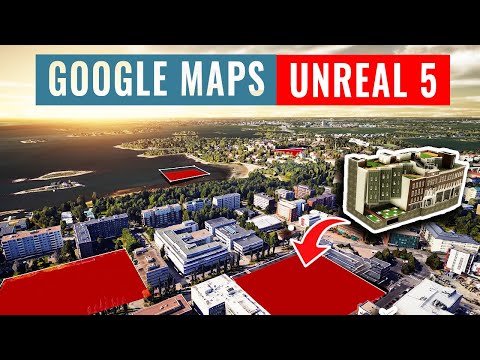
I am going to show you how to bring your architectural models into a 3D google earth map within Unreal Engine 5. You will be able to take any model from revit, rhino or sketchup and insert it anywhere in the world within a google earth tileset. The advantages of this as you can see is that you have satelilate accurate massing at your disposal and can very quickly drop in your design within this context and have the full power of urneal engine behind this. In addition you can create animations, assets, materials, data overalys and even first person chatacters to walk around if you wish. This is all now possible through the plugin Cesium within unreal. Cesium is a Platform for 3D Geospatial which lets you work with geosptail data including 3d tile datasets for both web and gaming engines. This now includes The google earth dataset which was released quite recently. 00:00 Intro 00:42 Cesium 02:22 Unreal basic setup 03:50 Google Maps API 05:36 Set world location 07:24 Locating your site 08:09 Polygon clip 10:41 Datasmith for importing from rhino/revit/sketchup 11:12 Revit model example 12:28 Importing your models 13:45 Lighting setup 14:38 Basic asset adding 18:00 visual effects 19:40 High-res screenshot 20:24 Outro Instagram account: Cesium tutorials: Some great unreal tutorials: @WilliamFaucher/videos #cesium #unrealengine5 #googleearth #revit #rhino #sketchup #visualisation #digitaltwin #data #streaming #googlemaps
- 56253Просмотров
- 2 года назадОпубликованоUrban Decoders
Custom Models in UNREAL 5 and GOOGLE MAPS using Cesium ( Revit, Rhino, Sketchup)
Похожее видео





Популярное
Новини