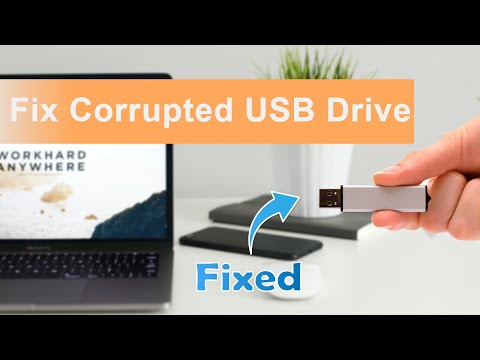
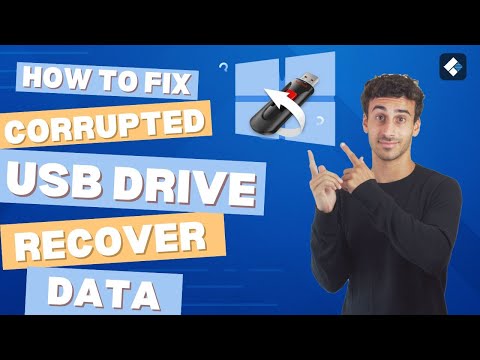
Are you struggling with a corrupted USB drive? Don't worry! In this video, we will show you how to fix corrupted USB drives in three simple ways. To avoid losing data, it's recommended to download 🔥EaseUS Data Recovery Wizard - Check this page for more information - ⏱️Time Stamp: 00:48 Method 1. Repair USB with Error Check Tool 01:15 Method 2. Fix Corrupted USB with CMD 02:09 Method 3. Uninstall USB Driver to Fix USB Drive 02:40 Recover USB with EaseUS Data Recovery Wizard Run CHKDSK USB Repair Tool to Fix a Corrupted USB or Pen Drive Step 1. Insert the corrupted USB or pen drive into the USB port on your PC. Step 2. Go to the search bar and type cmd, and hit Enter. Step 3. Click and open Command Prompt as Administrator. (Sign in as Administrator with your account if the program asks for permission). Step 4. Enter: chkdsk e: /f /x in the Command Prompt window and hit Enter. 🎯Replace e: with the drive letter of your USB drive. #datarecovery #usbflashdrive #windows ★★★ Follow US★★★ My Website - My Channel - My Facebook -
- 12251Просмотров
- 1 год назадОпубликованоEaseUS
How to Fix Corrupted USB Drive in 3 Ways [USB Recovery Included]
Похожее видео




Популярное
Новини