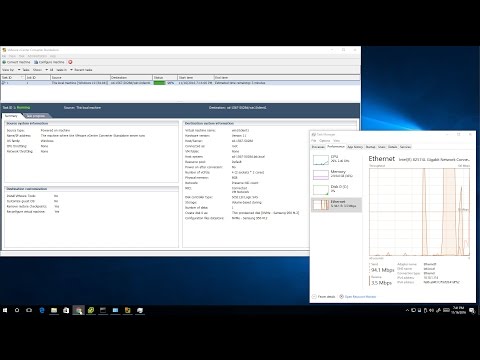
Learn how to migrate a physical Windows Server into a VMware ESXi virtual machine using VMware vCenter Converter. In this step‑by‑step P2V tutorial you will: • Prepare a lab environment and install the vCenter Converter tool on a proxy server* • Connect to your physical server via IP and provide the necessary credentials* • Select your VMware ESXi host, choose a datastore and configure the VM name* • Start the P2V conversion and monitor task status until completion* • Power on the new virtual machine and verify that it works just like the original physical server* This guide is perfect for system administrators, IT professionals and home‑lab enthusiasts who want to consolidate physical hardware into virtual environments. No prior virtualization experience required — follow along and virtualize your own server in minutes. 00:00 Introduction & Goal 00:15 Environment Setup 01:00 Installing VMware Converter 02:51 VMware Converter Overview 03:07 Source Machine Configuration 04:59 Destination Settings on ESXi 07:07 Conversion Process 09:38 Final Steps & Conclusion 👉 SUBSCRIBE: @sinaonline VMware vCenter Converter Link:
- 1893Просмотров
- 3 месяца назадОпубликованоSinaOnline
Physical‑to‑Virtual (P2V) – Convert a Windows to VMware ESXi VM Using vCenter Converter Step‑by‑Step
Похожее видео





Популярное
Новини