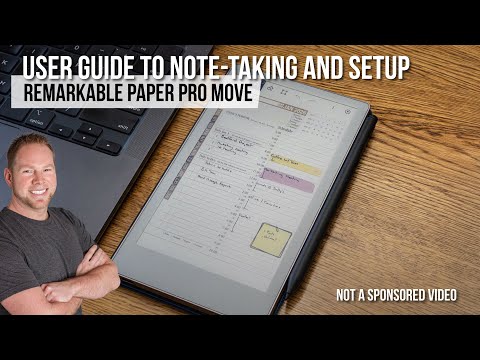
If you’ve just picked up the new reMarkable Paper Pro Move, or you’re thinking about it, this video will help you get the most out of your device. I’m sharing 13 practical tips and tricks that work not only on the Paper Pro Move but also on the reMarkable Paper Pro since both run the same software. I’ll also share a couple of free tools and templates you can try, plus my honest thoughts after using the reMarkable Move for real work and planning. If you want a straightforward reMarkable Paper Pro Move review and a closer look at how this color e-ink tablet works in practice, you’re in the right place. 🫡 SUBSCRIBE @howtotechstuff 🛒 Thinking of getting REMARKABLE PAPER PRO MOVE? ► AMAZON US 🇺🇸: ► AMAZON EU 🇬🇧🇪🇺: ► REMARKABLE STORE: 🔗 LINKS ► Download my FREE reMarkable templates: ► for FREE personalized calendar PDF: ⭐️ Support my work via Youtube membership: ⚡️Other reMarkable videos: ► ► ► ⚙️ My Gear & Favourite Equipment: Amazon US 🇺🇸: Amazon UK/EU 🇬🇧🇪🇺: 🎬 CHAPTERS 00:00 Intro to reMarkable Move Tips & Tricks 00:42 Light Sleep Lock 01:21 'Select Below' Gesture 01:59 Snap Lines & Shapes 02:30 Numbered Folders 03:05 Insert Notes in PDFs 03:38 Adjust PDF Contrast 04:02 Widen Text Column for Typed Text 04:33 Different Ways to Select Typed Text 05:14 Tap PDF Links 05:56 Quick Access to Favorite Drawer 06:19 Custom Passcode 06:48 Quick Frontlight Control 07:21 ReCalendar Tool for Custom Calendars
- 20455Просмотров
- 2 месяца назадОпубликованоHow To Do Stuff
Top 13 Tips & Tricks for Your reMarkable Paper Pro Move!
Похожее видео


Популярное
Новини