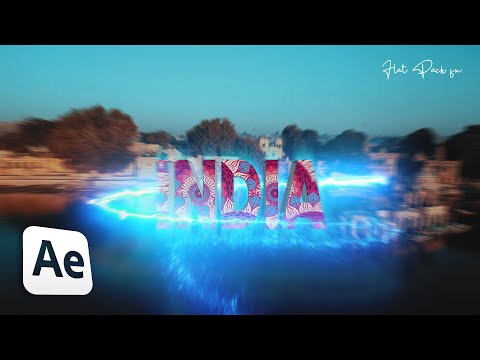
Best Premiere Pro Alternative to Make Amazing Transitions Easily: Benn TK's tutorial showcased a text zoom with After Effects' track camera. Learn how to recreate it in Premiere Pro, even without camera tracking: Start with text (e.g., "India") using the type tool. Customize font, style, color in effect controls. Adjust text size within the frame. Apply drop shadow for a 3D effect. Add transform effect from effects panel. Set keyframes for scale and position. Smoothly animate scale and position. Mask with the pen tool for visual depth. Complete masking to reveal a second video layer. Premiere Pro empowers you to replicate this engaging text zoom, inspired by Benn TK's tutorial, without requiring camera tracking. Let’s dive into the After Framing YouTube channel and watch the full tutorial. Watch More Breakdown Tutorials Premiere Pro Tutorials Transition Tutorials Benn TK 3D Text Zoom in Transition in After Effects Buffer Size Larger Than 3000 Pixels Error in Premiere Pro - Benn TK Tutorial Benn TK Masking Title Zoom in Transition in DaVinci Resolve 📌 Stay Connected with After Framing Instagram Patreon Web For business inquiries, email in 'More Info' ⚡ Don’t Miss Out: Creator Savings Roundup Get 10% off Dehancer with Coupon Code 'ARIF' I Want It All Bundle Lifetime - Save 98% + Extra 10% OFF! Get 15% off Mocha Pro Get 2 Months of Track Club Music for FREE! DISCLAIMER: Some of the links provided are affiliate links, which means I may earn a commission if you make a purchase. Rest assured, this will not incur any additional costs for you. Tags #BennTK #PremierePro #AfterFraming
- 283606Просмотров
- 3 года назадОпубликованоAfter Framing
Benn TK Masking Title Zoom in Transition in Premiere Pro
Похожее видео




Популярное
Новини