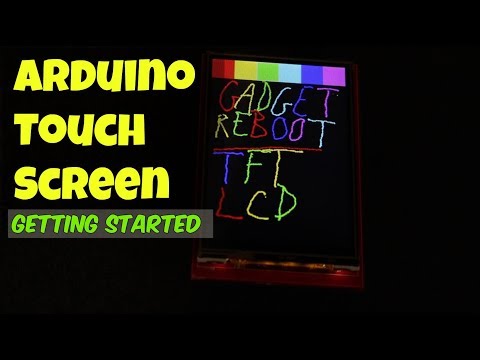
In this tutorial we will learn how to programming the TFT LCD Touch Screen. I used 2.8" TFT Touch Display ILI9325 Module and Arduino Uno for this tutorial. The topics we will view in this tutorial, Required Libraries, Add Text, Text Color, Font Size, Print Text, Create Button, Button Click, Add Frame, Draw Rectangle and Background Color. Required Hardware TFT LCD Touch Screen + Arduino : Package included: 1 x 2.8 Inch TFT LCD Shield Touch Display Module 1 x UNO R3 ATmega328P Board with USB cable Recommended Items: Use Your Muscles in Project - 37 Sensor & Module Packages - Try this Robot Arm - Best Resin 3D Printer - Arduino Compatible Kits - Banggood Spring Sale - Download Source Code and Library: The next " LCD Touch Screen" videos will be about the following tutorials How to make "Distance Measurement" using Ultrasonic Sensor How to make "Serial Monitor" with LCD Touch Screen How to Control "Your LEDs" with LCD Touch Screen
- 268243Просмотров
- 8 лет назадОпубликованоMaker 101
Arduino Touch Screen TFT LCD Tutorial
Похожее видео





Популярное
Новини