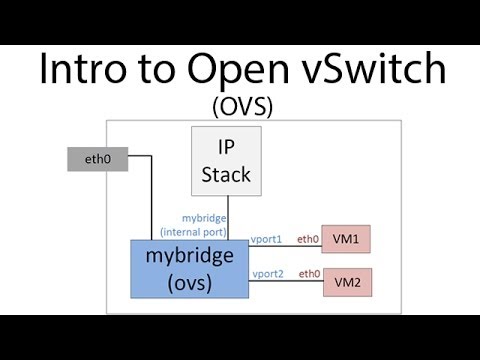
An introduction to Linux network namespaces. Twitter: @davidmahler LinkedIn: This video is lab style in that you can follow along on your own system or just watch. I walk through 2 examples mimicking how Mininet emulates hosts and how OpenStack provides DHCP services (they both use network namespaces) links: My Intro to OVS video - My Intro to Mininet video - references Bob Lantz, Brian O'Connor Mininet presentation - (networking documentation) (linux networking entries) Commands used: Checking out L2/L3: ip link ip address ip route add an ip address to an interface: ip address add (ip/mask length) dev (intf name) turn an interface up ip link set dev (intf name) up ========= Add network namespace: ip netns add (name) Delete network namespace: ip netns del (name) Execute a command in a specific namespace: ip netns exec (name) (command to execute) Move a port to a namespace: ip link set (intf name) netns (net namespace name) What net namespace is a process ID running in? ip netns identify (pid) ========== OVS add a vSwitch: ovs-vsctl add-br (name) add an interface to OVS instance: ovs-vsctl add-port (OVS name) (intf name) Create a veth pair: ip link add (end1 name) type veth peer name (end2 name) Place a port in a vlan: ovs-vsctl set port (intf name) tag=(vlan number) Make a port type internal: ovs-vsctl set port (intf name) type=internal ==============
- 132149Просмотров
- 1 десятилетие назадОпубликованоDavid Mahler
Introduction to Linux Network Namespaces
Похожее видео







Популярное
Новини