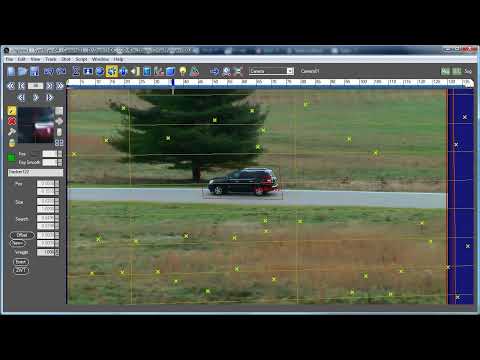
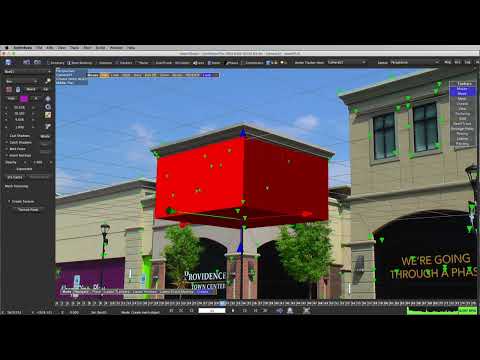
In this tutorial, Russ Andersson demonstrates how to create a clean background plate for a shot of a car driving down a road using SynthEyes. He begins by setting up a garbage matte around the car, using a tracker on the car to animate the matte. After tracking the car, Russ emphasizes the importance of deleting the tracker to avoid affecting the auto tracking process. He then performs auto tracking, cleans up the trackers, and generates a flat plane as the background. By adjusting the plane's size and position, he ensures it covers the entire field of view throughout the shot. Russ also addresses common issues such as unwanted vertical lines caused by black borders on the frame and explains how to use garbage mattes to exclude irrelevant data. The tutorial concludes with the creation of a clean background sequence, ready for further compositing work.
- 207Просмотров
- 1 год назадОпубликованоBoris FX Learn
Creating Clean Plates in SynthEyes - Part 1
Похожее видео

Популярное
Новини