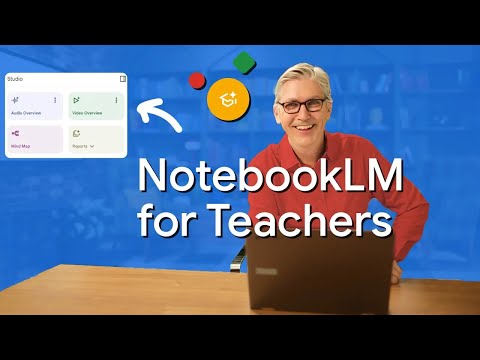
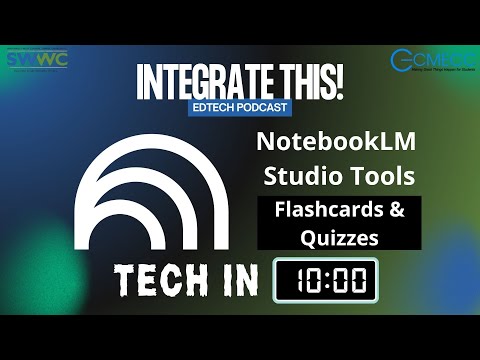
In this Tech in 10 episode, Jeremy and David give a quick, practical walkthrough of NotebookLM for educators. They show how to create a new notebook, add materials (files, links, YouTube videos, or copied text), and explain the three-panel layout you’ll use every time: Sources — where you attach the documents and links NotebookLM will reference Chat — the grounded chatbot you use to ask questions about your sources Studio — where NotebookLM can generate outputs based on your materials You’ll see how to get set up fast, what kinds of questions to ask in Chat, and a brief note on when NotebookLM shines. 🎙️ Tech in 10: Bite-sized insights from the Integrate This! team.
- 38Просмотров
- 4 недели назадОпубликованоIntegrate This!
NotebookLM Overview for Educators | Tech in 10
Похожее видео
Популярное
Новини