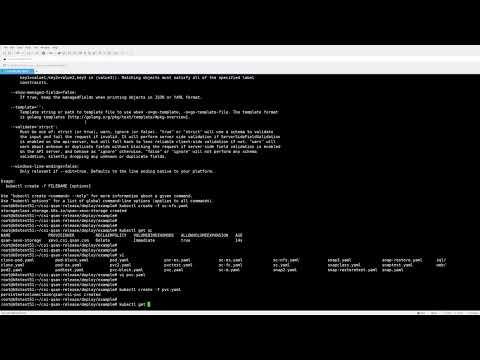
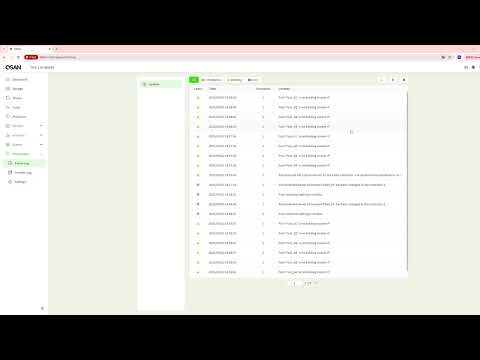
Looking to maximize storage reliability and throughput for your containerized workloads? In this tutorial, we will show you how to create an iSCSI MPIO (Multi-Path I/O) CSI Volume using QSAN storage to achieve high availability, balanced traffic paths, and optimized performance for Kubernetes environments. You will learn how MPIO works in combination with the CSI driver, how to configure multiple iSCSI sessions, and how Kubernetes automatically leverages these redundant paths to ensure continuous service even when one network path becomes unavailable. This step-by-step guide walks you through preparing your storage system, configuring MPIO on the host side, deploying the CSI YAML files, and verifying that your container applications are using multiple active storage paths. Whether you are a Kubernetes administrator, DevOps engineer, or IT professional planning a resilient storage architecture, this video provides the essential knowledge to help you deploy a robust iSCSI MPIO CSI setup for production workloads. Follow along to enhance your storage performance and ensure your applications run smoothly under any network or controller failover scenario. Tips: 1. Validate Multipath Configuration Before deploying your CSI Volume, verify that the host’s multipath daemon is properly enabled and that all iSCSI sessions from each controller are detected. 2. Test Failover Scenarios Before Production Simulate a path or controller failure to confirm that Kubernetes and the CSI driver properly reroute traffic without service interruption. #QSAN #iSCSI #MPIO #Kubernetes #CSI #StorageSolutions #DevOps #HighAvailability #Multipath #ContainerStorage #EnterpriseStorage #K8sTutorial #TechGuide
- 20Просмотров
- 1 неделя назадОпубликованоQSAN
QSAN | Tutorial | How to Create an iSCSI MPIO CSI Volume for High Availability
Похожее видео










Популярное
Новини