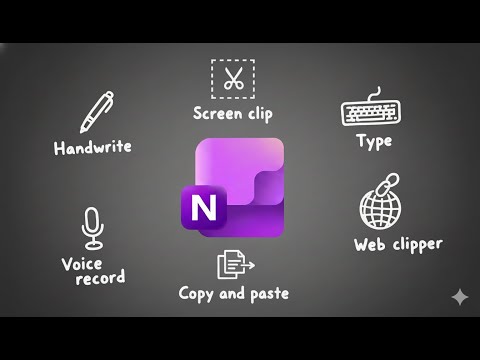
If you're using OneNote and wondering if it's time to switch to Microsoft Loop, here are 3 reasons to switch—or stay. Loop has workspaces organized into pages and subpages. OneNote uses notebooks divided into sections, then broken down into pages and subpages. Both offer personal and team-integrated spaces, giving you flexibility in your workflow. Aside from these similarities, OneNote has been around for over 20 years and is familiar to most users, while Loop is a newer, modern, and minimalistic app. In this video, we'll explore 3 reasons to switch to Microsoft Loop or stay with Microsoft OneNote. If you are a student, teacher, project manager, business owner or super nerd like me, then we have got you covered! Let's nerd out 🤓 🟡 FREE RESOURCES 🟡 eBook, Navigating Microsoft Passages: Loop Beginner Guide: Copilot Agent Toolkit: 💙 SUPPORT THE CHANNEL 💙 If you’ve learned something from my videos you can now Buy Me A Coffee: 🧠 1:1 PERSONALIZED COACHING 🧠 Work directly with Amy to streamline your Microsoft 365 workflows. 🍎 WHAT TO WATCH NEXT 🍎 ⏰ KEY MOMENTS 00:00 OneNote vs. Loop: 3 Reasons to Switch (or Stay) 00:10 OneNote vs. Loop 01:04 Loop #1 – Collaboration That Stays on Topic 01:49 OneNote #1 – Reliable Offline Access 02:17 Loop #2 – Task & Project Management 03:00 OneNote #2 – Free-form Notetaking 03:45 Loop #3 – Modern Workflows 04:41 OneNote #3 – Traditional Productivity Features 🤓 WELCOME TO OFFICE SKILLS WITH AMY My tutorials offer Microsoft 365 training. 'Empowering businesses to streamline their Microsoft 365 Workflows.' I simplify learning Microsoft 365 products so that you can navigate apps with confidence, increase productivity, and reclaim your time for meaningful work.
- 9587Просмотров
- 3 месяца назадОпубликованоOffice Skills with Amy
Microsoft OneNote vs. Loop: 3 Reasons to Switch (or Stay)
Похожее видео











Популярное
Новини