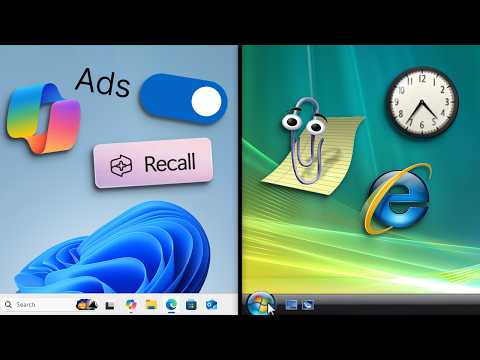
Click this link and use my code BOG to get 25% off your first payment for . Chris Titus Utility - 🧪 Bog's YouTuber Academy: 🟪 Wallpaper: 🧪 How to play the YouTube game: MY FAVOURITE THINGS: 🖱️ - My Mouse - ⌨️ - My Keyboard - 🖥️ - My Monitor - 🎙️ - My Microphone - 🔒 - VPN I'm using - Some of the links above are affiliate links that I get a kickback from. This video isn't a tutorial that showcases how to debloat and Windows 11 without Microsoft account. When you install windows you can skip creating an account and set up windows 11 with no bloat using a local account. You can de bloat and use a command oobee\bypassnro to bypass windows requiring you to have an internet connection. Unfortunately, Windows comes with a bunch of bloatware and not all low spec computers or laptops with windows have the best performance and fps with clean windows install. These are the best windows settings and how to debloat windows 11 for maximum performance and disable as well as remove AI copilot.
- 469864Просмотров
- 4 дня назадОпубликованоBog
How I setup Windows for minimal bloat (no AI slop)
Похожее видео




Популярное
Новини