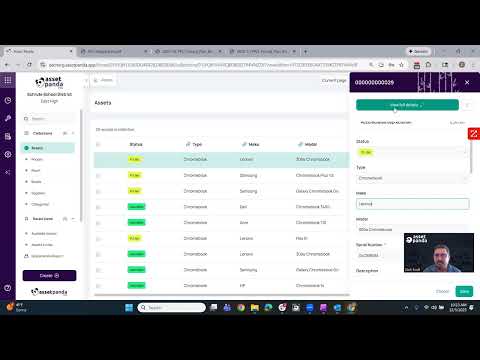
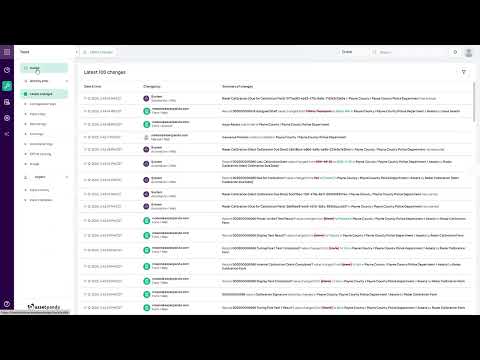
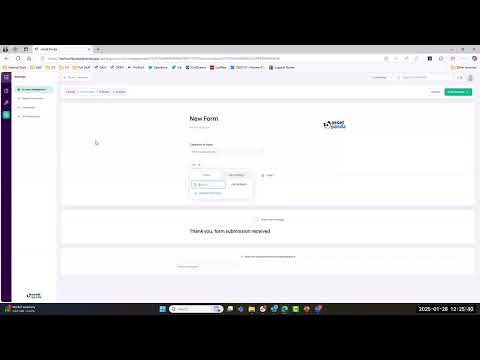
This video introduces Automations, a core functionality within Asset Panda designed to transform asset management from a reactive to a proactive process. Asset Panda provides a centralized database with high customization and ease of use on both desktop and mobile. Automations: The Conditional Logic Automations function based on the logic: "When these conditions are met, then I want to perform these actions". ⚙️ Automation Triggers (The "When"): Automations can be triggered by: Record Events: When a record is created, updated, or deleted. Form Submissions: When a form is completed for events like checkouts, assignments, inspections, or maintenance. Scheduled Time: Based on dates such as warranty expiration, next maintenance date, or end of life. Audit Tool: Triggered by an audit's start, end, or close date. ✅ Automation Actions (The "Then"): When triggered, the system can automatically perform these actions: Notifications: Get notified via email, Slack, and Teams. Reporting: Send a report in PDF, CSV, or Excel format. Update Field Value: Automatically change asset data, for example, setting the status to "Warranty Expired" when the warranty date is reached. Create Records: Function as a ticketing system by automatically creating a new asset record when a help desk form is submitted. Webhooks: Subscribe to webhooks for external integrations.
- 17Просмотров
- 1 неделя назадОпубликованоAsset Panda
Asset Panda Pro Feature: How to Use Automations (Notifications, Reports, Field Updates)
Похожее видео






Популярное
Новини