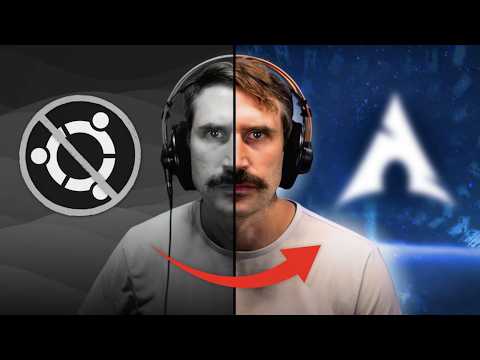
Installing Arch is no easy feat, and adding full disk encryption can be overwhelming for many beginners. In this video, I walk you through how I install Arch from scratch, with full disk encryption. Installation Guide: Hardware Links: Beelink SE6 Max: 4TB SDD: Watt Meter: Tool Kit: These are Amazon affiliate links which provide a small commission to this channel via anything purchased via these links 00:00:00 Introduction 00:00:22 Checking out our hardware 00:01:32 Download the installer 00:02:16 Verify installer Image 00:02:47 Flashing installer to usb 00:03:58 Setting up ssh 00:05:05 Partitioning disks 00:08:13 Adding full disk encryption 00:09:15 Setting up our volumes 00:10:16 Setting up our filesystems 00:10:57 Mounting our disks 00:11:36 Installing Arch! 00:12:45 Decryption on boot 00:13:29 Installing our bootloader 00:15:50 Adding home partition to decryption table 00:16:42 Setting up the clock and NTP 00:17:22 Adding Locale information 00:17:57 Adding a hostname 00:18:10 Setting up users 00:18:53 Sudo access 00:19:19 Installing Network Manager 00:19:35 Adding Gnome Desktop Environment 00:20:13 Installing Microcode 00:20:40 Reboot into our new system
- 224689Просмотров
- 1 год назадОпубликованоDreams of Autonomy
How I Install Arch Linux (the hard way).
Похожее видео









Популярное
Новини