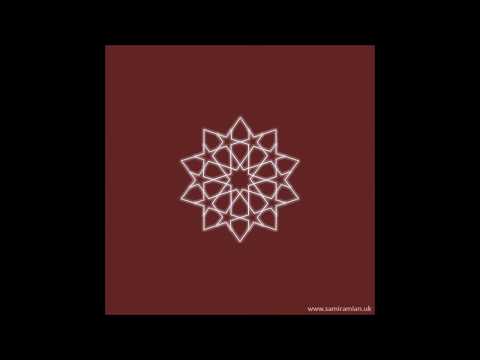
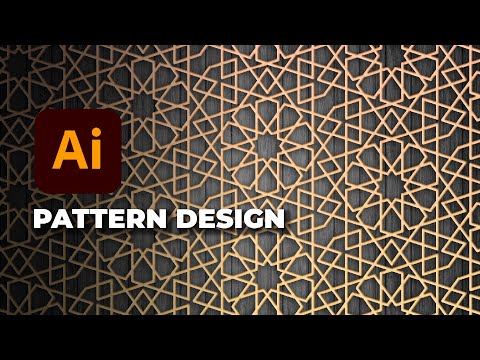
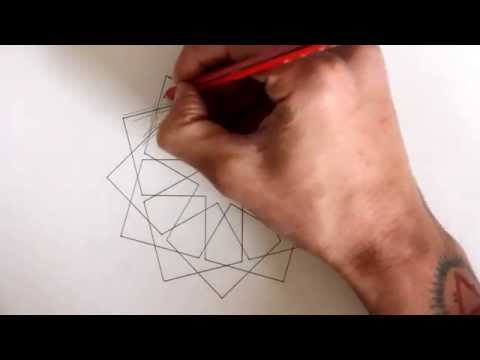
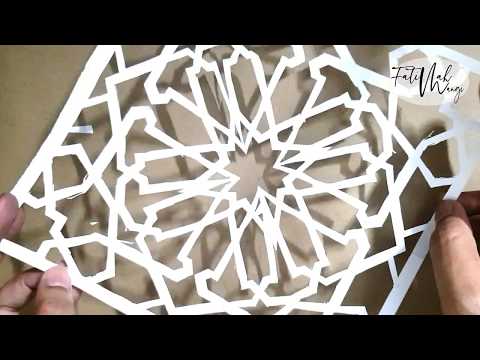
In today’s tutorial, I will show you how to create a complex interlocking Islamic geometric pattern in Adobe Illustrator. This design features advanced linework, symmetry, interlaced paths, and gradient outlines, perfect for Islamic art lovers, pattern designers, architects, and graphic artists. You will learn: ✔ How to build geometric grids ✔ How to use the shape builder for complex interlocks ✔ Line-weight and stroke-style techniques ✔ Creating repeating seamless pattern tiles ✔ Exporting your pattern for print & digital use This design is inspired by traditional Islamic motifs combined with a modern Illustrator workflow. If you love Islamic art, mandalas, tessellations, or vector pattern designs, this video is for you! Don’t forget to Like, Comment, and Subscribe to Sacred Vectors for more geometry, Islamic art, Illustrator tutorials, and pattern-making videos. ✅ Hashtags (Highly SEO Optimized) #SacredVectors #IslamicPattern #GeometricPattern #AdobeIllustrator #IllustratorTutorial #IslamicArt #PatternDesign #VectorArt #ArabicDesign #MoorishPattern #ComplexPatterns #DesignTutorial #TessellationArt #IllustratorPatterns
- 269Просмотров
- 2 недели назадОпубликованоSacred Vectors
How to Create Islamic Geometric Pattern in Adobe Illustrator | Advanced Interlocking Design Tutorial
Похожее видео






Популярное
Новини