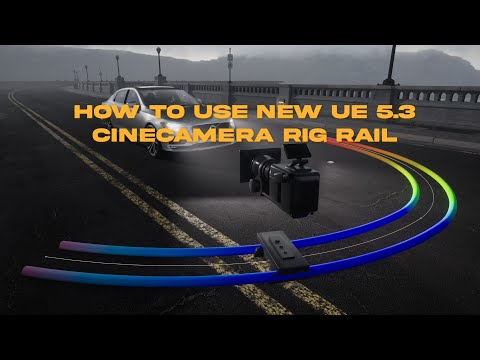
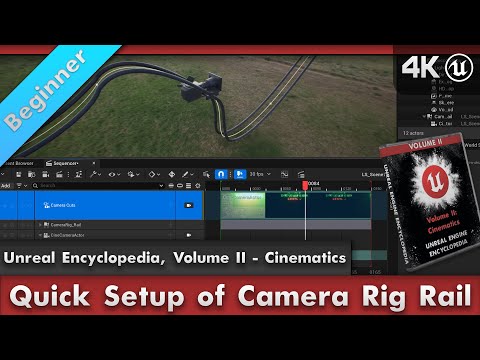
This video shows how to use the camera rig rail in Unreal Engine. You will learn how to create, modify, and animate a camera using the camera rig rail Unreal Engine 5.4. The final render was done in Unreal Engine. Written Tutorial: Unreal Engine Playlist: Timeline: 00:00 Introduction 00:05 Creating a rig rail 01:21 Modifying a rig rail 03:35 Animating a rig rail Inspirations: WeShootFilms: Sarkamari: |------------------- Who I Am -------------------| I am a 3D Technical and Unreal Engine Artist. My main focuses are environments/props, textures, and rigging. I create tutorials to help creatives pursue their dreams. |-------------------- LINKS --------------------| My site: My shop: %20Abbott Portfolio: Art Station: My Discord: My X/Twitter: |------------------- Software Experience -------------------| Unreal Engine, Blender, Substance Painter, Substance Designer, InstaMAT, 3DCoat Textura, Davinci Resolve, Fusion, Affinity Designer, Affinisty Photo, Adobe After Effects, Premiere Pro, Adobe Illustrator, and Photoshop |------------------- Useful Hotkeys for Blender -------------------| G – grab E – extrude S – Scale R – Rotate I - Inset O – Proportional Editing B – Bevel Tab – Edit Mode/Object Mode 1 – Vertex Select 2 – Edge Select 3 – Face Select Z - Modes
- 9940Просмотров
- 1 год назадОпубликованоJen Abbott Creates
How to use the camera rig rail in Unreal Engine 5.4 | Tutorial #cinematics
Похожее видео





Популярное
Новини