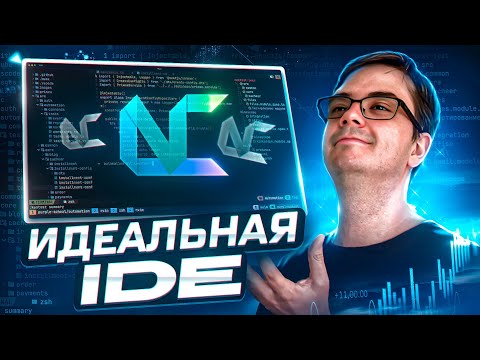
Tired of your code editor feeling like a bullock cart in a Formula 1 race? 😩 Say goodbye to "Config Chakkar" and hello to NvChad, the KTM Duke 390 of Neovim setups! In this video, we're ditching the slow, bloated IDEs and messy config files for a Neovim experience that's fast, beautiful, and gets you coding in under 2 minutes. I'm not kidding—this setup is faster than making Maggi! We'll go from a blank terminal to a full-blown, professional-grade coding environment that will make you feel like a keyboard wizard. Ready to upgrade your workflow? Let's do this! 🔥 --- 👇 Timestamps to Your New Superpowers 👇 00:00:00 - Introduction & Hook 00:00:49 - Installation Guide 00:01:34 - Core Features: File Navigation (NvimTree) 00:01:51 - Core Features: Fuzzy Finding (Telescope) 00:02:10 - Core Features: LSP (Language Server Protocol) 00:02:37 - Core Features: Which-Key (Keymap Helper) 00:03:02 - Customization: Modding Your NvChad 00:03:53 - Killer Feature 1: The Cheatsheet 00:04:25 - Killer Feature 2: The Theme Toggle 00:05:07 - Conclusion & Is NvChad for You? 00:05:21 - Call to Action --- ✅ Essential Commands & Links from the Video: 1️⃣ Backup Your Old Config: `mv ~/.config/nvim ~/.config/ ` 2️⃣ Clone NvChad: `git clone ~/.config/nvim` ▶️ Nerd Fonts (for all the cool icons!): --- 🧙♂️ Join our community of coding wizards! What's the one plugin you absolutely CANNOT live without? Drop it in the comments below! If this video helped you, smash that SUBSCRIBE! #neovim #nvchad #vscode #programming #developer
- 6916Просмотров
- 2 месяца назадОпубликованоCtrl Alt Tech
Mastering NvChad 2025: The Most Beautiful IDE You Deserve!
Похожее видео





Популярное
Новини