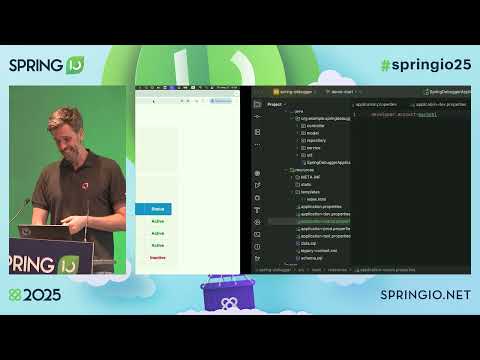
Spring Boot hides a lot of complexity to help you build applications quickly. But when things go wrong – misconfiguration, incorrect bean injection, or tricky transaction behavior – debugging rapidly becomes complicated. In this stream, we're using the Spring Debugger for IntelliJ IDEA to explore real-world issues in Spring Boot applications. Whether you're just getting started or already deep into production systems, you can learn how to uncover hidden problems, understand what's really going on in your app, and find and fix issues in the code. We're walking through live examples, from simple mistakes to tricky bugs, and show how the IDE helps you troubleshoot step by step. 0:00 – Introduction 1:25 – Where do I have to click? 3:50 – Exploring the project 11:10 – Debugging the application 14:40 – Evaluate Spring properties 17:30 – Quick Q&A with Andrey 21:20 – Debugging bean injection 26:00 – Spring beans in the debugger watches 30:36 – Quick Q&A 35:28 – Debugging Transactions 45:00 – Q&A about persistence 48:45 – Debugging database connections 55:00 – What's next and Q&A Speaker: Marco Behler Marco works as a developer advocate at JetBrains in Munich, Germany. He loves to share everything he knows about writing and building awesome software – knowledge he acquired from a decade of consulting in the Java and Spring ecosystems – through guides, tweets, books and talks. #SpringBoot #IntelliJIDEALivestream #Java #Debugging #springframework Join us: Website: Blog: X: Bluesky: LinkedIn: Facebook: Download IntelliJ IDEA: Top 15 IntelliJ IDEA shortcuts:
- 13800Просмотров
- 4 месяца назадОпубликованоIntelliJ IDEA, a JetBrains IDE
Troubleshooting Spring Boot Applications with the Spring Debugger
Похожее видео









Популярное
Новини