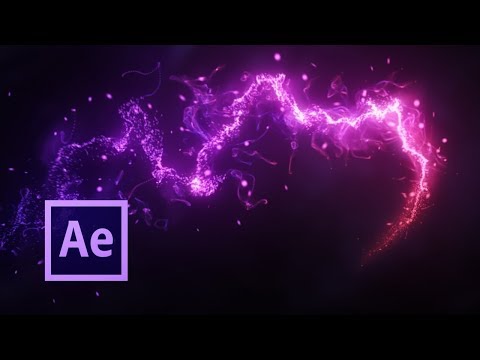
In this tutorial we use Motion Path parameter in Trapcode Particular plugin to create an interesting effect of many lines. First you need to draw the mask with the desired shape. Then copy the form to the position of the light source. And assign the light in the settings of the plugin. And a little bit of tuning of the particles motion for a more beautiful effect. Enjoy! 💾 Download lesson project for After Effects ❤ Ready footage for video editing 👍 Other footage for video editing: Русская версия урока: Движение частиц Trapcode Particular по траектории (Motion Path) Red Giant Documentation - Air - Motion Path Enjoy the tutorials? Feel free to donate for more: Subscribe: Уроки для After Effects на русском языке: Music by
- 140155Просмотров
- 8 лет назадОпубликованоAEplug - After Effects Tutorials
AEplus 011 - Multiple Stroke effect in After Effects. Motion Path Tutorial for Trapcode Particular
Похожее видео





Популярное
Новини