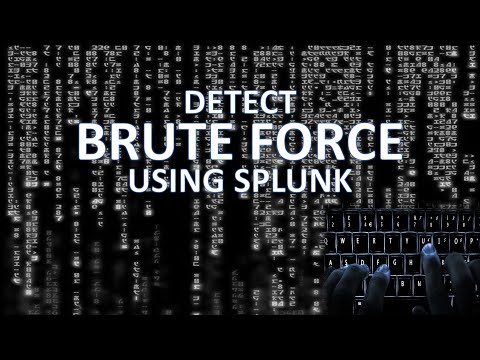
01:14 Detect Multiple Failed Logins from Same Computer 03:56 High Volume of Authentication from a Single Computer 04:50 Computer Using Multiple Accounts 06:04 Repeated Failed Attempts by Same Username 06:45 Failed Login Ratio Analysis 08:57 Unusual Login Time Analysis 10:32 Enhancing by using a bin on _time Welcome back, Splunk enthusiasts! This video, brought to you by Lame Creations Log Analysis Made Easy, helps you sharpen your skills to become a more powerful data investigator in Splunk. Are your logs trying to tell you something? We dive deep into Splunk Processing Language (SPL) and uncover the secrets of Brute Force detection. Learn how to write Splunk queries that reveal the telltale signs of an attack, transforming raw data into actionable insights. In this Step-by-Step Tutorial, we cover essential Brute Force Detection methods using SPL: • Analyzing Authentication Events: We work with Windows Event Logs, focusing on successful login event code 4624 and failed login event code 4625. • Computer Name Thresholds: Identifying computer names that make an unusually high number of authentication attempts using stats count by computer name. • Distinct User Analysis: Detecting computers attempting to log in as different users, a common Brute Force technique, using distinct count of user account names. • Failed Login Ratio Analysis (The Math!): Calculating the ratio of failed attempts (4625) to total attempts (failures + successes) to flag computer names with unusually high failure rates. • Unusual Login Time Analysis: Identifying logins during abnormal hours (e.g., between 10 p.m. and 6 a.m.) using the strftime command to extract the hour field. • Time Bucketing: Applying the bin time span command (e.g., 1 hour) to break down events into smaller, focused chunks for better analysis of short-term attack bursts. We demonstrate these techniques using the realistic, hands-on BOTS version 3 data set (Boss of the Soc). Want to take it a step further? Become a Splunk Pro and support the channel! Don't forget to Like and Subscribe so you never miss out on the latest tools and tutorials to boost your log analysis skills. #splunkenterprise #SPL #BruteForceDetection #CyberSecurity #LogAnalysis #SplunkTutorial #4625 #LameCreations Join this channel to get access to perks:
- 1954Просмотров
- 11 месяцев назадОпубликованоLame Creations
Detecting Brute Force Attacks in Splunk: Step-by-Step SPL Tutorials
Похожее видео









Популярное
Новини