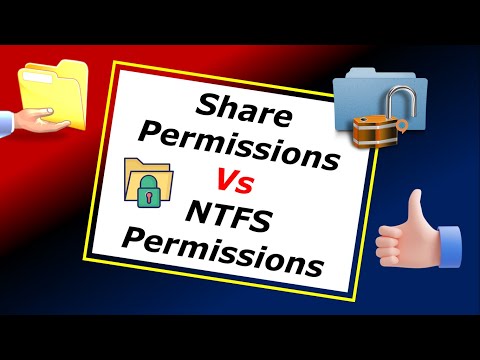
#ntfspermissions #sharepermissions #windowsserver2022 #fileserver #serveradmin #windows #activedirectory #gpo Learn how to set up NTFS and Share Permissions in Windows Server 2022 with this practical, step-by-step tutorial. Ideal for system administrators, IT students, and lab enthusiasts, this video explains how to restrict delete access while still allowing read and write permissions in a domain environment. In this video, we’ll: Explain the difference between NTFS and Share Permissions Create a test folder on the desktop and secure it Apply NTFS permissions to allow read/write but deny delete Use an existing Organizational Unit: Restricted_Users Test folder access with a domain-joined Windows 11 client Use local NTFS Security tab for configuration 🛠️ Lab Environment: Server OS: Windows Server 2022 Domain Name: OU: Restricted_Users Client OS: Windows 11 Pro (Domain Joined) Platform: VMware Workstation 📌 Perfect For: Windows Server Admins GPO Beginners File Server Configuration IT Students (MCSA / CompTIA) Domain Security Enthusiasts 💬 Want a video on a specific Windows Server feature? Comment below or send me a message — I’d love to cover it in an upcoming video! 👍 Like, Share & Subscribe for more practical IT tutorials! 🔗 Stay Connected: 📍 LinkedIn: 📍 Instagram: 📍 Facebook:
- 272Просмотров
- 8 месяцев назадОпубликованоDigital IT Lab
NTFS vs Share Permissions | Secure File Sharing in Windows Server 2022 Step-by-Step
Похожее видео










Популярное
Новини