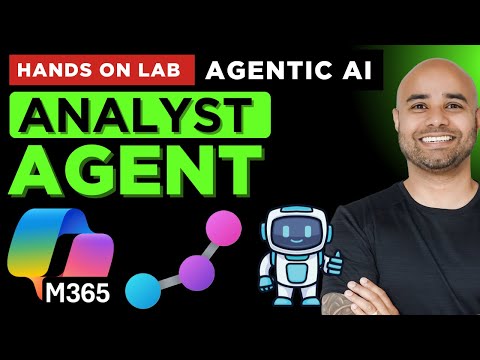
In this lab, you’ll learn how to use Microsoft 365 Copilot Agent Builder to create and customize your own AI assistant. No coding skills needed! This hands-on guide is beginner-friendly and perfect for exploring the power of AI in Microsoft 365. 📌 What You’ll Learn in This Tutorial: ✅ Understanding Copilot Agent Builder & Its Capabilities ✅ Building AI Agents with Different Configurations ✅ Integrating Various Backend Knowledge Sources ✅ Customising Agent Responses & Enhancing User Experience ✅ Best Practices for Deploying Copilot Agents 🚀 Level Up Your Learning – Useful Links Below: 👉 Ask Questions in the Community – 👉 Step-by-Step Study Guides – 👉 Download Notes & Practice Labs – 👉 Join this channel to get access to perks – ⏰ Timestamps: 00:00:00 ⏩ Intro 00:01:51 ⏩ Building personal AI Agent in M365 Copilot Agent Builder 00:11:37 ⏩ Basic AI Agent - responses grounded in LLM 00:28:28 ⏩ AI Agent with extra module (eg. game) - responses grounded in LLM 00:34:28 ⏩ Pro AI Agent - knowledge source grounded in SharePoint 00:51:45 ⏩ Pro Plus AI Agent - knowledge source SharePoint and Microsoft Graph connector 00:34:28 ⏩ Basic Plus Web AI Agent - response from LLM and Web 01:06:38 ⏩ Basic Web Plus AI Agent - response from LLM and Specific Web data 01:06:38 ⏩ Elite AI Agent - response from LLM, Graph connection, web, instructions , Image creation #CopilotAgentBuilder #MicrosoftCopilot #AIChatbot #MicrosoftAI #AIProductivity #AIAutomation #AIforBusiness #BuildCopilotAgents #AIAssistant #AITraining
- 2675Просмотров
- 7 месяцев назадОпубликованоAI & Cloud Skills Hub
Copilot AI Agent Builder Hands on Lab | Create Your Own AI Agent (8 example Agents) in Microsoft 365
Похожее видео





Популярное
Новини