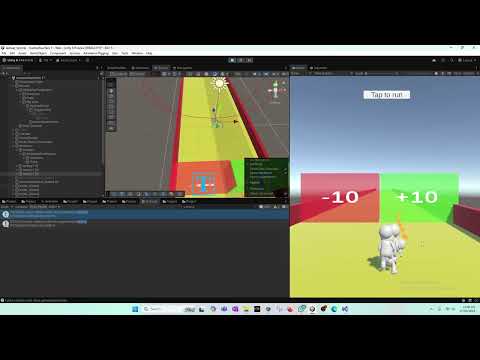
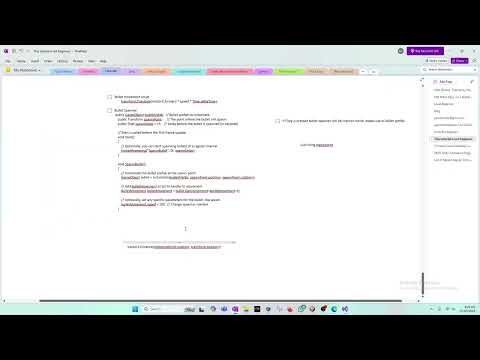
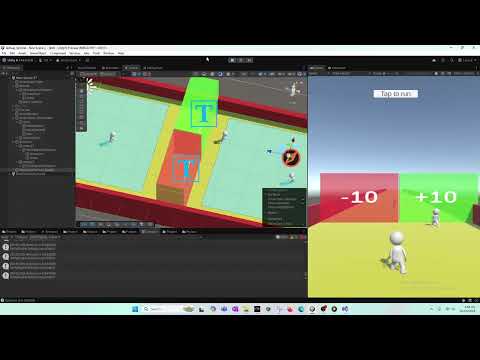
In this Unity tutorial, we’ll build a modular bullet firing system for your gun using a BulletSpawner class. Learn how to spawn bullets at runtime, implement automatic firing with delays, and manage bullet movement and destruction for optimal performance. Perfect for FPS, shooting games, or any project that requires dynamic projectiles! 0:28 – Intro: Today we’ll create a bullet firing mechanism for our gun using a BulletSpawner class. 0:33 – Why BulletSpawner: Attaching bullet logic separately keeps scripts modular and reusable across scenes. 1:49 – Create Script: Create a new script named BulletSpawner to handle bullet instantiation. 2:08 – Script Setup: The script will take a bullet prefab, a spawn point transform, and an optional spawn delay for automatic firing. 3:09 – Serialized Fields: Use [SerializeField] private GameObject bulletPrefab; and [SerializeField] private Transform spawnPoint; for Inspector assignment. 4:03 – Assign in Unity: Drag the bullet prefab and spawn point into the script on your gun GameObject. 5:01 – Optional Spawn Point: Create an empty GameObject called BulletSpawnPoint if you don’t have a specific point. 6:12 – Prefab Instantiation: Use Instantiate(bulletPrefab, , ); to spawn bullet copies at runtime. 8:14 – Bullet Movement: Ensure the bullet prefab has a BulletMovement script for forward motion; no need to modify default speed. 9:18 – Spawn Delay: Implement InvokeRepeating("SpawnBullet", 0f, spawnDelay); to fire bullets automatically at intervals. 10:27 – Set Delay: Adjust spawnDelay in Inspector; e.g., 2 seconds for 5 bullets per second. 11:16 – Test Firing: Play the game to see bullets spawn and move automatically from the gun. 11:31 – Adjust Bullet Size: Increase bullet scale in Inspector to make them visible (e.g., 1,1,1). 12:08 – Avoid Overlap: Adjust spawn delay or bullet size to prevent bullets overlapping. 13:07 – Destroy Bullets: Prevent memory issues by destroying bullets after a set time using Destroy(gameObject, 5f);. 14:48 – Alternative Destruction: Better approach: destroy bullets based on distance from gun rather than time for optimized performance. 15:52 – Outro: This concludes the bullet firing mechanism; next tutorial will refine bullet destruction logic. What you’ll learn in this video: How to create a BulletSpawner script in Unity Assign bullet prefab and spawn points via the Inspector Use Instantiate() to spawn bullets at runtime Implement automatic firing with InvokeRepeating() Adjust bullet size and spawn delay Prevent memory issues by destroying bullets after time or distance
- 8Просмотров
- 1 неделя назадОпубликованоTasty Cherry Games
🔥 How to Make a Game Like Lost War - Part 29 || Modular bullet firing system - BulletSpawner
Похожее видео






Популярное
Новини