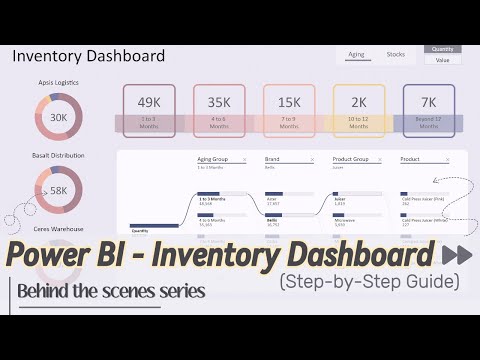
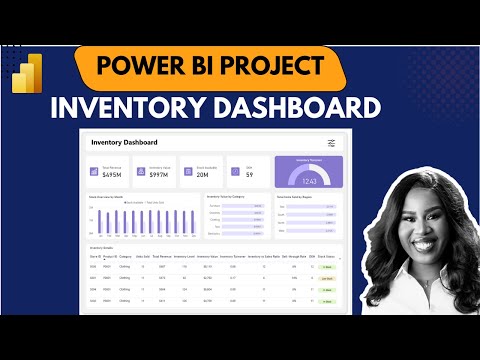
In this video, I’ll show you how to transform your Excel inventory data into a powerful and interactive Power BI dashboard. Whether you’re tracking stock levels, analysing inventory age, or managing stock across multiple storage locations, this ready-to-use template makes it easy to get started. What’s Inside: 1. Interactive Visualisations - Bring your inventory data to life with dynamic charts and graphs that provide an intuitive overview of your stock levels. 2. Track Inventory Aging - Analyse stock across different storage locations and identify slow-moving items. Use the dynamic decomposition chart to drill down into inventory details by product groups, brands and specific products. 3. Detailed Inventory Status with Interactive Filtering - Gain a clear view of the quantity on hand for each product, along with calculated safety stock levels, reordering points, and stock status - whether 'Below Safety Stock', 'Above Safety Stock', or 'Above Reordering Point'. Plus, stay ahead with Next Order Information, including upcoming delivery dates and quantities to keep your restocking process on track. This template empowers you to quickly gain valuable insights into your inventory management process, helping you make informed decisions with ease. Simply download the Excel file and Power BI template, follow the instructions, and watch your data transform into meaningful visualizations. Ideal for inventory managers and Excel users looking to elevate their data analysis without starting from scratch. Resources: - Download BI Dashboard Template and Excel Data Files - Microsoft Power BI Desktop Download Link Timestamp: 00:00 Dashboard Overview 04:32 Step 1: Download Template 04:51 Step 2: Replace the Data 06:16 Step 3: Load Your Data 06:38 Link to Time-Lapse Guide Thanks for watching! #powerbi #dashboard #template #kpi #exceltopowerbi #inventorydashboard #datavisualisation #businessintelligence #businessreview #freedownload #inventory
- 13654Просмотров
- 1 год назадОпубликованоKate Dashboards
Transform Your Excel Inventory Data into an Insightful Power BI Dashboard
Похожее видео







Популярное
Новини