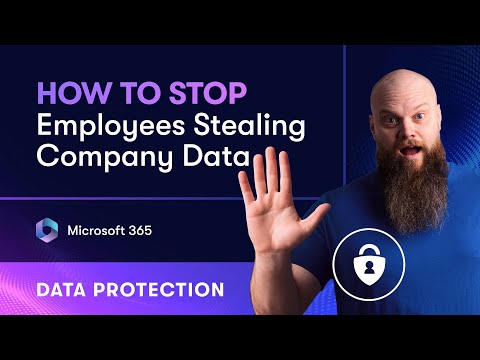
Learn how to protect sensitive information in Microsoft 365 with this easy-to-follow guide on Data Loss Prevention (DLP). In this video, we’ll walk you through the basics of DLP policies, how to set them up in Microsoft 365, and best practices to keep your data secure. Perfect for beginners, IT admins, and anyone looking to improve their organization's data protection strategy. 🔐 Topics Covered: What is Data Loss Prevention (DLP)? How DLP works in Microsoft 365 Step-by-step setup of DLP policies Real-world examples and tips ✅ Don’t forget to like, subscribe, and hit the bell icon for more Microsoft 365 tutorials! #Microsoft365 #DataLossPrevention #CyberSecurityTips 🧑🏫 My Online Courses ► Weekly Cyber Awareness Training - ► Discover Microsoft 365 and Get More Done - 🆓 FREE Facebook Group From security to productivity apps to getting the best value from your Microsoft 365 investment, join our Microsoft 365 Mastery Group 🆓 FREE Microsoft 365 Guide Our FREE Guide - How to Build a 5-Star Business Using Microsoft 365 ► Download our guide here today: 💻 Want to Work Together? Drop me an email: jonathan@ 😁 Follow on Socials TikTok @bearded365guy Instagram @bearded365guy 📽️ Video Chapters 00:00 Introduction 01:43 What is Data Loss Prevention? 03:13 DLP Licensing 03:56 Sensitive Information Types 08:42 Create DLP Policy 09:27 DLP Templates 10:31 Admin Units 11:23 Where to Apply Policy 12:23 Policy Settings 13:25 Protection Actions 16:22 Policy Mode 17:16 User Experience
- 50458Просмотров
- 6 месяцев назадОпубликованоJonathan Edwards
Data Loss Prevention in Microsoft 365 – Easy Guide for Beginners
Похожее видео






Популярное
Новини