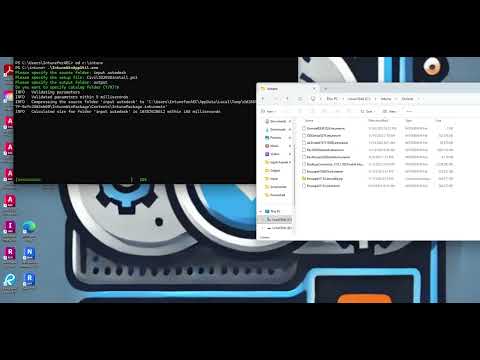
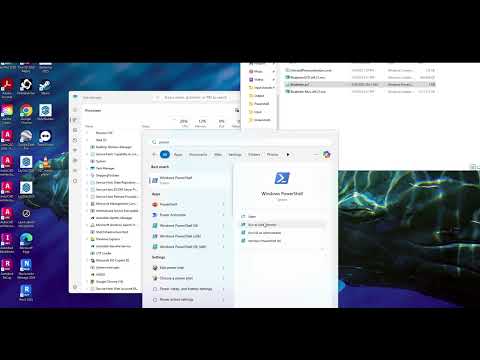
How to Create a Bluebeam 21.8 Deployment and Deploy Using Intune | Step-by-Step Guide In this video, we walk you through the process of creating a Bluebeam 21.8 deployment and setting it up with Microsoft Intune for streamlined management and distribution. Whether you're an IT admin or someone looking to simplify software deployment, this guide covers everything you need to know! 🔧 What’s Covered in This Video: How to create a Bluebeam deployment package for Intune Step-by-step process for configuring the Bluebeam 21.8 deployment Intune Install Command: -ExecutionPolicy Bypass -File .\ Powershell script: cmd /c " " cmd /c /i "BluebeamOCR x64 " /qn cmd /c /i "Bluebeam Revu x64 " /qn Registry Key Target for Detect: HKEY_LOCAL_MACHINE\SOFTWARE\Microsoft\Windows\CurrentVersion\Uninstall\{11C566C0-9F6C-4FC0-A54F-CE3F979EB29B} I generally use DisplayVersion as the target key. Please Subscribe Like and Share if you found this helpful, and feel free to add any comments below on programs you would like to see done in the future! #bluebeam #microsoftintune #deploymentlife #automation
- 16Просмотров
- 3 дня назадОпубликованоIntune in AEC
Bluebeam Revu 21.8 Deployment with Microsoft Intune
Похожее видео









Популярное
Новини