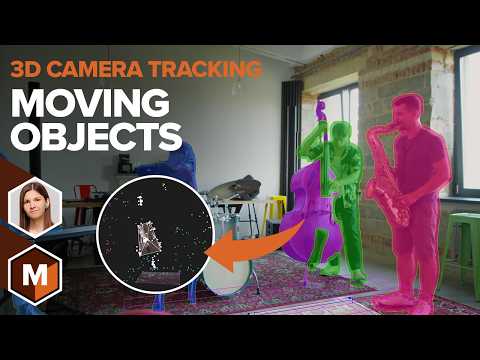
Join Elizabeth Postol and 3D track a moving object within a locked-off shot inside of Mocha Pro. Learn how to perform a 3D object solve for common visual effects tasks like product packaging replacement and adding elements to your object in a 3D package. The first example tracks a moving box in a static scene, and shows how "Locked Shot" will solve a previously unsolvable scene. Next, we’ll explore how to apply these techniques to organic, non-planar surfaces with 3D-solved PowerMesh. We track a cake and export the data to Houdini to create a realistic final composite. For more tutorials and information on Mocha Pro: // D I S C O R D C H A N N E L // // K E Y P O I N T S // ⦁ Moving Object Solve: Learn how to group track layers to solve them as a single moving object in 3D. ⦁ The "Locked Shot" Feature: Understand when and how to use the "Locked Shot" checkbox for successful solves in static camera shots with no parallax. ⦁ Scene Alignment: Discover how to adjust the solved scene's position and rotation for perfect integration. ⦁ Snapping 3D Models: See the new feature that allows you to snap a 3D model onto your tracked object for better visualization and review. ⦁ PowerMesh for Organic Surfaces: Learn how to use PowerMesh to track non-planar, organic objects and export the data for advanced VFX work. Learn more about Mocha Pro:
- 17733Просмотров
- 5 месяцев назадОпубликованоBoris FX
Locked Shot and Moving Objects? Easy 3D Tracking with Mocha Pro [Boris FX]
Похожее видео




Популярное
Новини