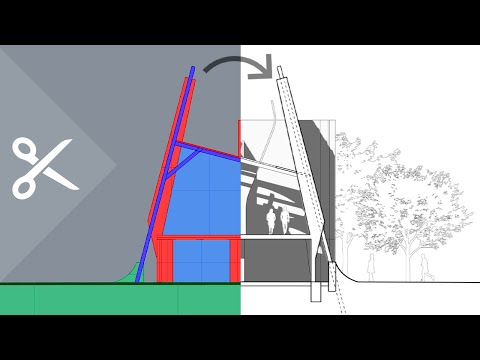
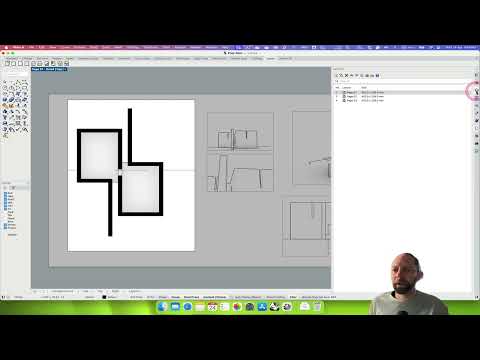
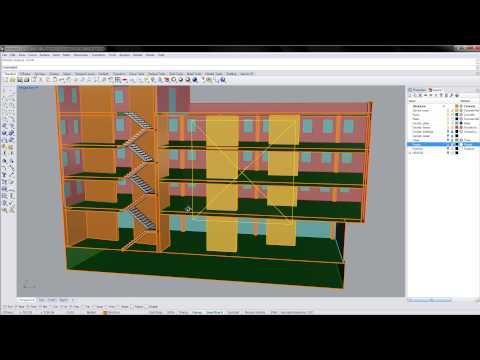
If you’ve ever tried to create clean architectural sections in Rhino, you know the struggle. Floors don’t cut… walls merge… and nothing looks like a real drawing. In this tutorial, you’ll learn the exact architectural modeling logic that makes Rhino sections clean, readable, and professional. I cover the correct slab and wall structure, how to place Clipping Sections, how to use ExtractClippingSections for real linework, how to add architectural poche, and how to generate a Make2D background that aligns perfectly with the cut. Plus, I’ll show you one Rhino glitch you MUST know if your section refuses to update. This workflow is designed specifically for architects, architecture students, and designers who want real, intentional, construction-accurate section cuts—not chaotic geometry. In this video, you’ll learn: • Proper slab and wall logic for clean sections • How to place and flip Clipping Sections correctly • How to extract editable linework • How to fix the “section won’t update” glitch • How to add poche with Hatch • How to create an accurate Make2D background (Front CPlane) • How to align section + background cleanly with Elevator Mode • Why lineweights don’t preview in Rhino • How to prep drawings for export or Illustrator About this channel This tutorial kicks off the new Rhino + Architecture playlist, focused on real architectural modeling logic, clean drawings, and production-ready Rhino workflows. Modeling credit: This architectural model was created in collaboration with Emmanuel Moreno under OcoStudio in El Paso, TX. Subscribe for more architectural Rhino tutorials, section workflows, drawing logic, and precision modeling techniques. 🌍 Subtitles available in: English (USA) · Español (México) · Português (Brasil) · Italiano · Français · Deutsch · العربية · فارسی · 한국어 · 日本語
- 184Просмотров
- 3 недели назадОпубликованоLINDSTROM.STUDIOS
How to Make CLEAN Architectural Sections in Rhino (Step-by-Step Tutorial)
Похожее видео





Популярное
Новини