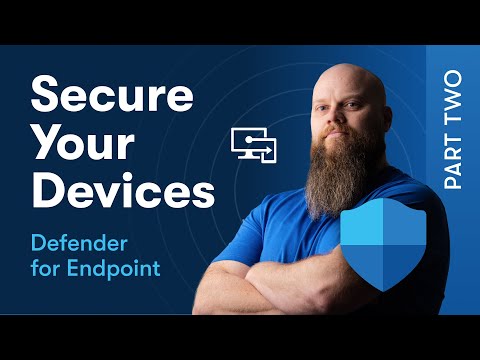
In this first part of our series on securing your devices, we dive into Defender for Endpoint! Join us as we explore the ins and outs of licensing, and learn how to configure your devices using Microsoft Intune. We’ll also guide you through creating essential policies like antivirus, Windows firewall, attack surface reduction, and tamper protection. Don’t miss out on these crucial steps to enhance your device security! #CyberSecurity #MicrosoftIntune #DefenderForEndpoint 🧑🏫 NEW Course - Discover Microsoft 365 and Get More Done ► Start Learning - 🆓 FREE Facebook Group From security to productivity apps to getting the best value from your Microsoft 365 investment, join our Microsoft 365 Mastery Group 🆓 FREE Microsoft 365 Guide Our FREE Guide - Discover 5 things in Microsoft 365 that will save your business time and money….. and one feature that increases your Cyber Security by 99.9% ► Download our guide here today: 💻 Want to Work Together? Drop me an email: jonathan@ 😁 Follow on Socials TikTok @bearded365guy Instagram @bearded365guy 📽️ Video Chapters 00:00 Introduction 01:44 Licensing 03:40 Feature Differences 04:49 Connect Intune to Defender 06:57 Create EDR Policy 07:53 Prep Work 08:32 Create Entra ID Device Group 10:48 Admin Permissions 12:22 Configure Email Alerts 15:13 Next Gen Antivirus 16:08 Create AV Policy in Intune 24:00 Create Windows Firewall Policy 26:47 Attack Surface Rules 28:18 Configure ASR Policy 32:58 Tamper Protection 35:34 Troubleshooting Mode 36:50 Final Thoughts
- 59238Просмотров
- 1 год назадОпубликованоJonathan Edwards
Secure Your Devices with Defender for Endpoint - Part 1
Похожее видео






Популярное
Новини