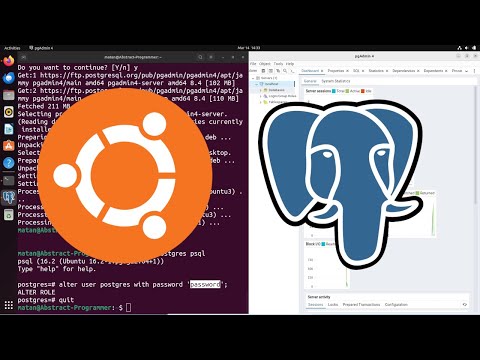
In this video, you’ll learn how to install and configure all major SQL Database Management Systems (DBMS) on Ubuntu Linux — including: 🔹 MySQL – The world’s most popular open-source relational database 🔹 PostgreSQL – The advanced enterprise-class open-source DBMS 🔹 SQLite – Lightweight, file-based SQL database for quick projects 🔹 Oracle Database XE – Free Express Edition of Oracle for developers 💻 Commands Used in This Video: MySQL Installation sudo apt update sudo apt install mysql-server -y sudo systemctl start mysql sudo systemctl enable mysql PostgreSQL Installation sudo apt update sudo apt install postgresql postgresql-contrib -y sudo systemctl start postgresql sudo systemctl enable postgresql SQLite Installation sudo apt update sudo apt install sqlite3 -y Oracle XE (via Docker) sudo apt update sudo apt install -y sudo systemctl start docker sudo systemctl enable docker sudo docker run -d -p 1521:1521 -e ORACLE_PWD=oracle gvenzl/oracle-xe 🧠 What You’ll Learn: ✅ Installing multiple SQL servers on Ubuntu ✅ Running and testing database connections ✅ Understanding DBMS differences for developers 📎 Tags: #Ubuntu #MySQL #PostgreSQL #SQLite #Oracle #Database #Linux #SQL #UbuntuServer #OracleXE #DBMS #Tutorial #DevOps #Programming
- 33Просмотров
- 2 недели назадОпубликованоKILZSNIPPET
Install All Major SQL Databases on Ubuntu | MySQL, PostgreSQL, SQLite, Oracle XE Full Setup
Похожее видео








Популярное
Новини