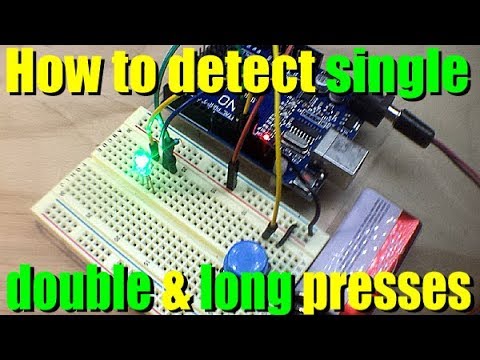
In this tutorial I'll teach you how to detect whether a button is being short or long pressed using millis(). Course material ⚠️ At 10:20 this video shows an unnecessary check for !buttonStateLongPress. We made this false on line 75 and therefore !buttonStateLongPress is always true. This is fixed in the course material. Thanks to ET's Home Repair for letting me know. The Arduino for beginners tutorials series guides you through the world of Arduino. A video is around 10 minutes and shows you step-by-step how to build the circuit and write the code. The website contains the course material, circuit diagram, Arduino code and shopping list of all the components used in the tutorial. ⬇️ Arduino code, circuit diagram and part list 👉 More tutorials and projects on 🇳🇱 Deze tutorial is ook in het Nederlands beschikbaar Chapters: 00:00 Introduction 00:08 Requirements 00:46 The circuit 02:35 Uitleg Arduino code 11:20 Running on the Arduino COMPONENTS 🇨🇳 Arduino Uno (clone) 🇳🇱 Arduino Uno (clone) 🇳🇱 Arduino Uno SMD (original) 🇳🇱 Arduino Uno Chip (original) 🇨🇳 3x breadboard 🇳🇱 1x breadboard small 🇨🇳 1x breadboard large 🇳🇱 1x breadboard large 🇨🇳 Jumper wire male-male 🇳🇱 Jumper wire male-male 🇨🇳 2000x Resistors 🇳🇱 15x colored tactile switches 🇳🇱 5x colored tactile switches 🇨🇳 50x colored tactile switches #arduino #BasOnTech
- 32197Просмотров
- 6 лет назадОпубликованоBas on Tech
LONG PRESS BUTTON (WITH MILLIS) - Arduino tutorial #15
Похожее видео







Популярное
Новини