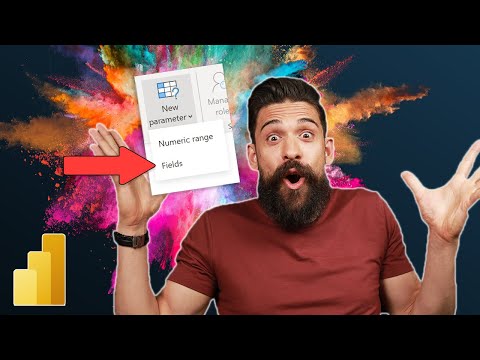
This high-level view walk-through shows alternative way of utilizing Field Parameter. This option is called show "Values of Selected Field" and it works in a different way that typical use-case for field parameters. What's covered: - Table description (what's metrics are included) - Basic Field-parameter - to control the row breakdown in a tabular view - Additional field-parameter use-cases - to filter the data PBIX with presented use-case will be shared in the next video covering how to build presented table with YoY Performance overview. If you are interested in other Data Vis / Front-end techniques and would like to join the Data Vis Forge Community, or find other resources (templates, Full Power BI Front-End Course held in January 2026) - find more details on the website: All best! Gustaw #powerbi #microsoft #Design #Charts #Data #datavisualization #ux #reporting #dashboard #visualization #tutorial
- 1083Просмотров
- 1 неделя назадОпубликованоGustaw Dudek - DVF
How to Leverage Field Parameters in Power BI Using Show Values of Selected Field
Похожее видео







Популярное
Новини