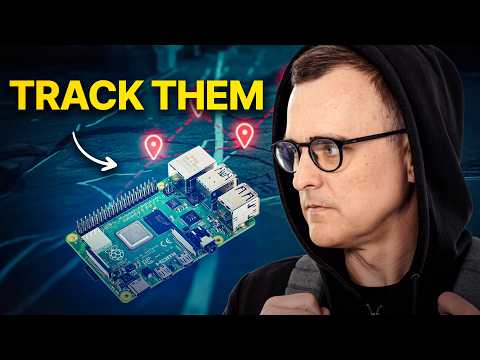
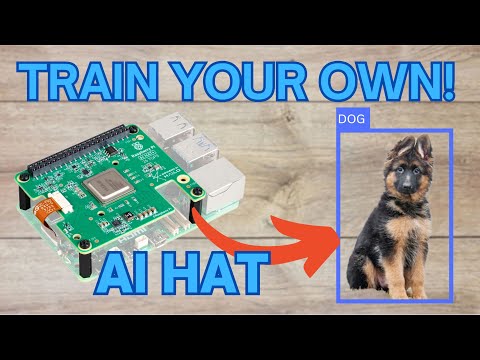
In this video, I show you how object detection, classification, and tracking work on a Raspberry Pi 5 using YOLO and the Hailo 26 TOPS AI HAT. You'll get to see these AI tools in action, detecting and tracking objects accurately and efficiently. I also walk through how I've structured my application using modular GStreamer pipelines. This design lets multiple processes easily access the same camera feeds, keeping things organized and scalable. Plus, I share some custom Python code I've created that integrates directly into the GStreamer pipeline. This code identifies specific tracked objects and then sends relevant data to AWS IoT Core via MQTT. If you're curious about object detection, Raspberry Pi projects, or how to connect your devices to the cloud, you'll find practical guidance here. What you'll learn: - How YOLO handles object detection and classification - Setting up real-time object tracking on Raspberry Pi 5 with the AI HAT - Creating modular GStreamer pipelines - Integrating Python code with GStreamer - Sending data from Raspberry Pi to AWS IoT Core via MQTT 00:00 Intro 00:32 Demo 03:52 How the application is organised 08:17 Producer camera 11:36 Consumer Tracking 23:33 Consumer fpsdisplaysink 26:22 FAQs All the code shown: COCO common object list: Want to say thanks? I have a book list with lots of things I want to learn: #RaspberryPi5 #YOLO #ObjectDetection #RaspberryPiProjects #AWSIoT #MQTT #GStreamer #Tutorial
- 4133Просмотров
- 9 месяцев назадОпубликованоHalf-Done Side Quests
How to track objects on Raspberry Pi 5 & AI HAT
Похожее видео


Популярное
Новини