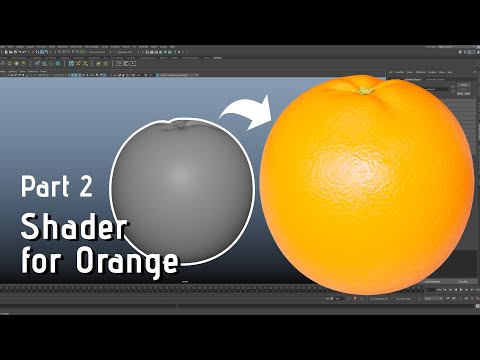
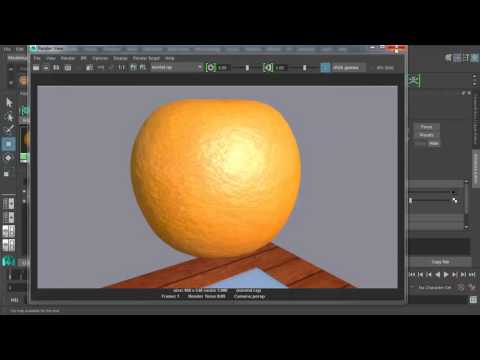
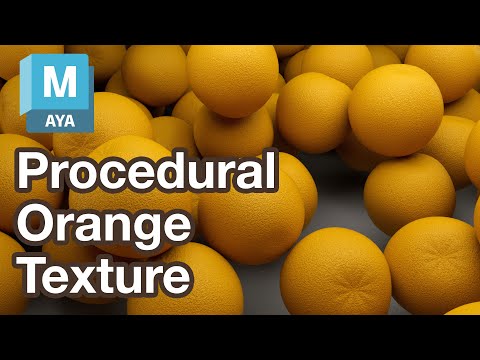
In this video we show you how to model an orange in Maya from start to finish. 1. We gather reference images and import them in to Maya on image planes, so that we can model in the orthographic view to match the shape. 2. We start to add some more details on the top near the base of the stem, like creases, to give the model some extra realism. We also cover why it is importantto add imperfections and asymmetry to your model so that it does not look too perfect, as nothing in nature is perfecty symmetrical, and failing to do this can be a dead giveaway that something is CG. 3. Modelling the base of the stem and distorting it so it does not look too perfect 4. Adding some simple UVs so that we can texture it later. #mayatutorial #3dmodeling #orange
- 626Просмотров
- 1 год назадОпубликованоSummer Day Studios
Creating a simple 3d model of an orange in Maya 3d Part 1/2
Похожее видео


Популярное
Новини