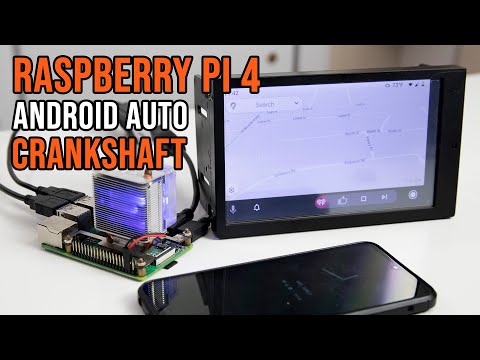
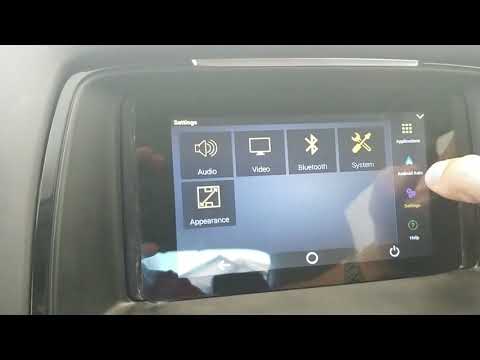
In this video, I show you how to install OpenAuto Android Auto on a Raspberry Pi 3 and a 7-inch touchscreen! ▼▬▬▬▬▬▬ Software Links▬▬▬▬▬▬ ▼ CrankShaft: Etcher: Notpad ++: ▼▬▬▬▬▬▬ Amazon Links▬▬▬▬▬▬ ▼ Raspberry Pi 3: Official 7 Inch Screen: 7 inch Touch Screens: Pi3 Kit: Nova Spirt Tech's channel: ▼▬▬▬▬▬▬ 7 Inch Config ▬▬▬▬▬▬ ▼ hdmi_group=2 hmdi_mode=1 hdmi_mode=87 hdmi_drive=1 hdmi_cvt 1024 600 60 ▼▬▬▬▬▬▬ Gear I use for recording ▬▬▬▬▬▬ ▼ Elgato HD60s Game Capture: Audio Technica Mic: Microphone stand/Arm: iMac with Final Cut Pro: DISCLAIMER: This video and description contains affiliate links, which means that if you click on one of the product links, I’ll receive a small commission at no extra cost to you.. ! DISCLAIMER: Under section 107 of the Copyright Act 1976, allowance is made for “fair use” for purposes such as criticism, comment, news reporting, teaching, scholarship, education, and research. No Games Or Applications Are Included Or Added On Or To Any Device In This Video
- 972377Просмотров
- 7 лет назадОпубликованоETA PRIME
Android Auto Raspberry Pi 3 Crankshaft OpenAuto
Похожее видео




Популярное
Новини