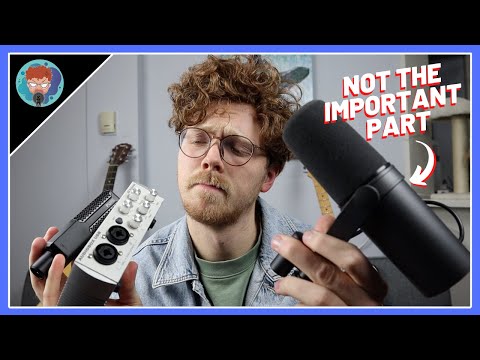
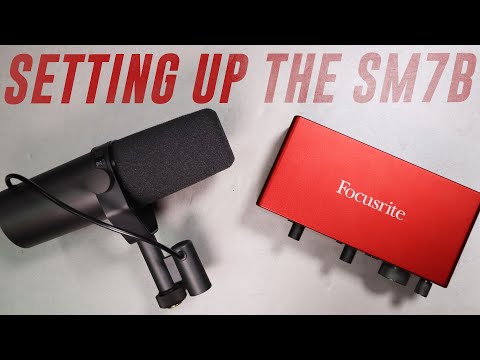
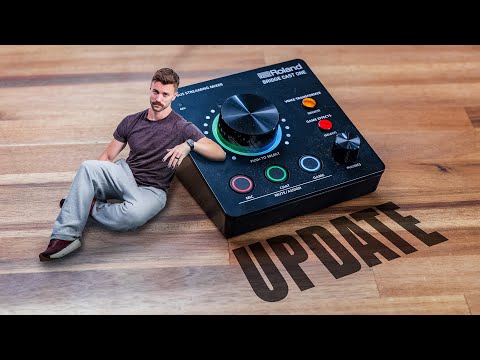
Step by step of how to get your new big boy mic ready for your live stream Set up your live stream overlay/alerts fast with (ad, duh) ► REALLY GOOD MOUSEPADS ►► YOUTUBE ►► Links (these support the channel 🫶🏼) Rode Podmic ► Wave DX Mic ► Elgato XLR Dock ► BEACN Studio ► Roland Bridge Cast One ► GoXLR ► RodeCaster Duo ► ----------------------------------------------------------------------------------- STREAMBEATS Copyright Free Music for Streamers (and YouTubers!) 15 GENRES! ►► ----------------------------------------------------------------------------------- Starter Streaming Kit ►► Pro Streaming Kit ►► MY Streaming Kit ►► ----------------------------------------------------------------------------------- Chapters: 00:00 - Everything you need to know 01:19 - Setup your overlays/alerts FAST with (ad) 01:50 - My favorite interfaces for XLR mics 02:38 - Connecting you mic into Windows 04:25 - Understanding the Input and Outputs of the software 06:21 - Setting up our XLR Microphone 08:45 - Controlling music, chat, and game volume separately 11:05 - Sending all your audio to your live stream 11:50 - How to make your music quiet for you but loud for your audience (sub-mixes) 15:07 - What do you still need to know? ----------------------------------------------------------------------------------- Other Videos: USB Mic Showdown: 50 Twitch Tips and Tricks: Turn Your Webcam Into A DSLR: Buying 3 Logos From Fiverr: Why Twitch Growth is (almost) Impossible: ----------------------------------------------------------------------------------- Description tags, yo: XLR, microphone, interface, setup, set up, dynamic, condenser, sm7b, audio, obs, streaming, twitch, youtube Thanks For Watching! #XLR #Mics #Streaming
- 71144Просмотров
- 1 год назадОпубликованоSenpai Gaming
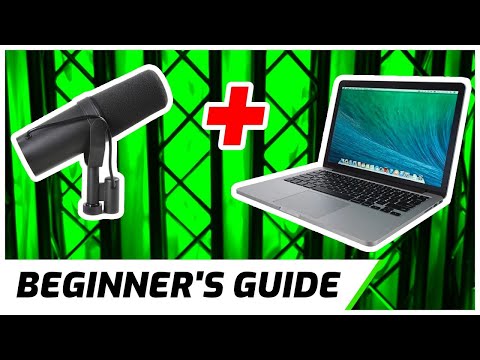
How to Set Up An XLR Mic, Pt. 1 -- Streaming Master Class Ep 6
Похожее видео


Популярное
Новини