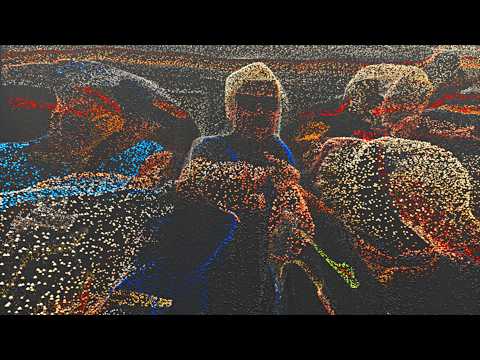
In this video, we'll build upon the previous automated 3D tracking photogrammetry workflow by using GLOMAP instead of just COLMAP! In my testing this resulted to a speed increase of 3-5x faster! I'll take you through downloading and preparing the necessary tools to make this 100% open source workflow work even smoother. Main video: Required Tools & Links: 1️⃣ COLMAP ( ): We need this specific version for its libraries, which GLOMAP utilizes. 2️⃣ GLOMAP ( ): The faster reconstruction tool. We will be using the windows-nocuda version. 3️⃣ FFMPEG: The command-line tool for converting our video into an image sequence. 4️⃣ AutoTracker v1.4 Batch Script: The updated script designed to work with GLOMAP on Windows 11. 5️⃣ Blender Photogrammetry Importer: The add-on required to import the COLMAP/GLOMAP data into Blender. COLMAP Linux version by AeroGenesiX: GLOMAP Linux version: None yet!* GLOMAP Mac version by celestial-33: ⚠️ Please note that I have not tested the scripts made by other people, so try them at your own risk. * If you know how this tech works and want to make a Mac/Linux version for GLOMAP, please fork my Gist on github and spread your knowledge with the community:
- 56309Просмотров
- 3 месяца назадОпубликованоPolyfjord Deep Dive
This 3D tracking workflow just got a lot faster! (COLMAP → GLOMAP)
Похожее видео

Популярное
Новини