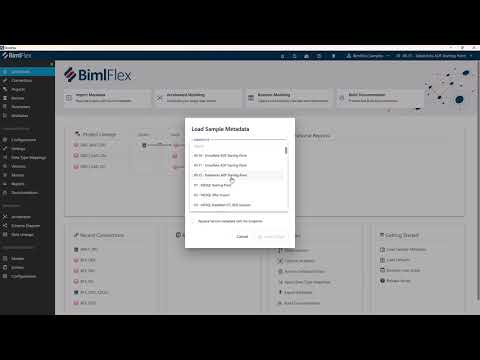
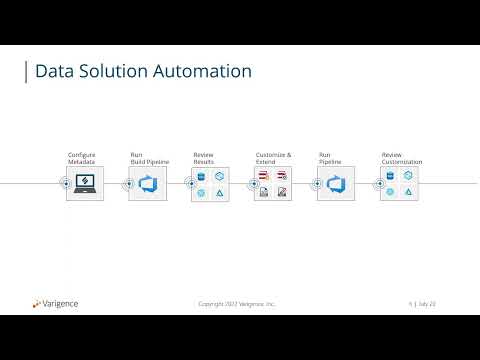
Learn how to configure BimlFlex for Microsoft Fabric in this step-by-step walkthrough. We'll cover everything from initial project setup to deploying fully automated data pipelines, notebooks, and warehouse structures. In this video, you'll learn: How to convert an existing SSIS project to Data Factory for Fabric Setting up landing connections and external connection references Configuring Fabric Warehouse and Lakehouse solutions Building bronze, silver, and gold layers using the medallion architecture Enabling delta detection and history persistence in your bronze layer Using the Data Vault accelerator for integration layer modeling Applying transformations and creating reusable macros Auto-generating notebooks, stored procedures, and pipelines The key benefit of using BimlFlex with Microsoft Fabric is that your team only needs to understand their data models and source-to-target mappings. All the technical implementation—notebooks, SQL, and pipeline orchestration—is generated automatically. We'll also show you the finished output in Microsoft Fabric, including generated warehouses, lakehouses, notebooks with PySpark code, and fully orchestrated pipelines with high watermark lookups and copy activities. Whether you're building a Data Vault solution or a standard dimensional model, BimlFlex handles the complexity so you can focus on designing your data architecture.
- 14Просмотров
- 1 неделя назадОпубликованоVarigence
Getting Started with BimlFlex for Microsoft Fabric | Warehouse & Lakehouse Configuration
Похожее видео






Популярное
Новини