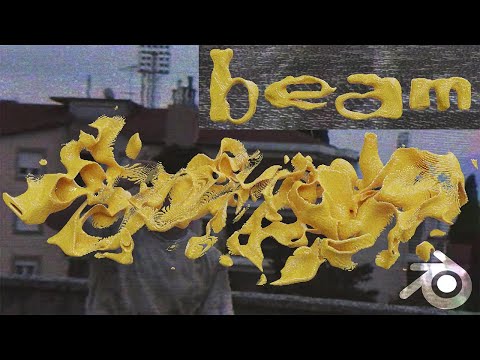
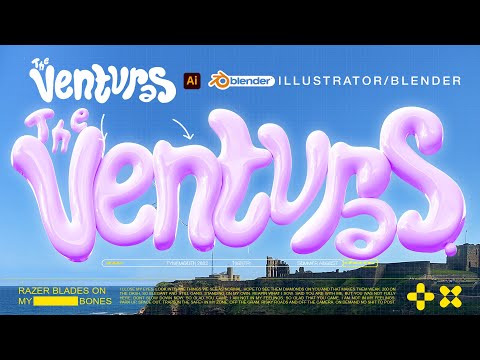
Thanks to Artlist for sponsoring this video. Get 2 free months with the annual subscription with this link: Stay in touch! Get my project files: Twitter: Instagram: Portfolio: Inquiries: hello@ My Notion Template: Music Used: CTRL S - A Female Deer - No Backing Vocal DaniHaDani - Secret No 1 Today I cover a super requested effect and that is how to create an inflated animation. It's a lot more simple than you might think. It is obviously done in Blender BUT that is not the only part of the video. I also give a quick insight into how I added some sauce in After Effects and most importantly how I go about sound designing these types of animations! Feel free to skip around: 00:00 Intro 00:05 Example 00:09 Project file 00:13 Inspiration 00:25 Focus on the WHY not as much on the HOW 00:51 Blender Scene Setup 01:31 Creating our text 03:23 Friendly PSA 03:34 Creating the floor 04:07 Deflating the text 05:17 Baking the deflation 06:10 Inflating the text 08:34 Gradual inflation 10:50 Friendly PSA 10:51 Tasting the cake 11:03 Adding the toppings 11:11 Smoothing 11:41 Lighting 12:44 Adding a camera 13:30 Materials and texture 16:16 Final touches before rendering 16:38 Render settings 18:07 After Effects breakdown 19:40 The secret ingredient: Sound design 22:12 Planning what sounds I need 23:00 Sound designing in Davinci and finding SFX 33:59 Thank you The equipment: Sony a7iii + Sony FX3 Tamron 28-75 + Sony 20mm Cinebloom 10% Deity V-MIC D3 Tascam DR-10L Peak Design Travel Tripod - Aluminium Neewer C-Stand Amaran 100D + Neewer Softbox Mac Studio Max M1 64gb Ram Asus ProArt 32” Monitor
- 19607Просмотров
- 1 год назадОпубликованоMapal
Inflated 3D Text Animation (Blender Tutorial)
Похожее видео






Популярное
Новини