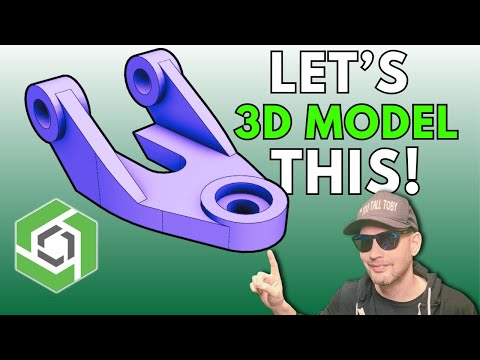
Join us for CAD vs CAD action! More PRACTICE MODELS - Training Products - MODEL used in this challenge: 24-07-12 - UPPER ALIGNMENT CAP - TIER 4 CHALLENGE Original Practice Models Video: MORE PRACTICE MODELS and DISCORD: #onshape #tutorial #extrude #revolve #hole #how #to #training Original PRACTICE MODELS challenge: Get 6 months of Onshape Professional for Free 0:00 Intro 0:37 Planning out the approach from 2D CAD to 3D CAD 3:44 Create a NEW DOCUMENT in Onshape 4:29 DARK MODE in Onshape 5:05 Set WORKSPACE UNITS in ONSHAPE 5:38 Create a new sketch on the TOP PLANE and extrude 6:43 Create HUMP sketch and extrude 8:21 REUSE layout sketch in Onshape 9:09 RENAME features in ONSHAPE 9:58 Sketch and MIRROR SKETCH 11:55 NEW PLANE, Sketch triangle shape 14:55 MIRROR FEATURES in Onshape (not entire part) 15:33 Add Fillets and Counterbore Holes in Onshape 16:43 Assign Material and Measure Mass
- 34100Просмотров
- 1 год назадОпубликованоToo Tall Toby
Onshape Beginners TUTORIAL - Step-By-Step - with TooTallToby
Похожее видео

Популярное
Новини